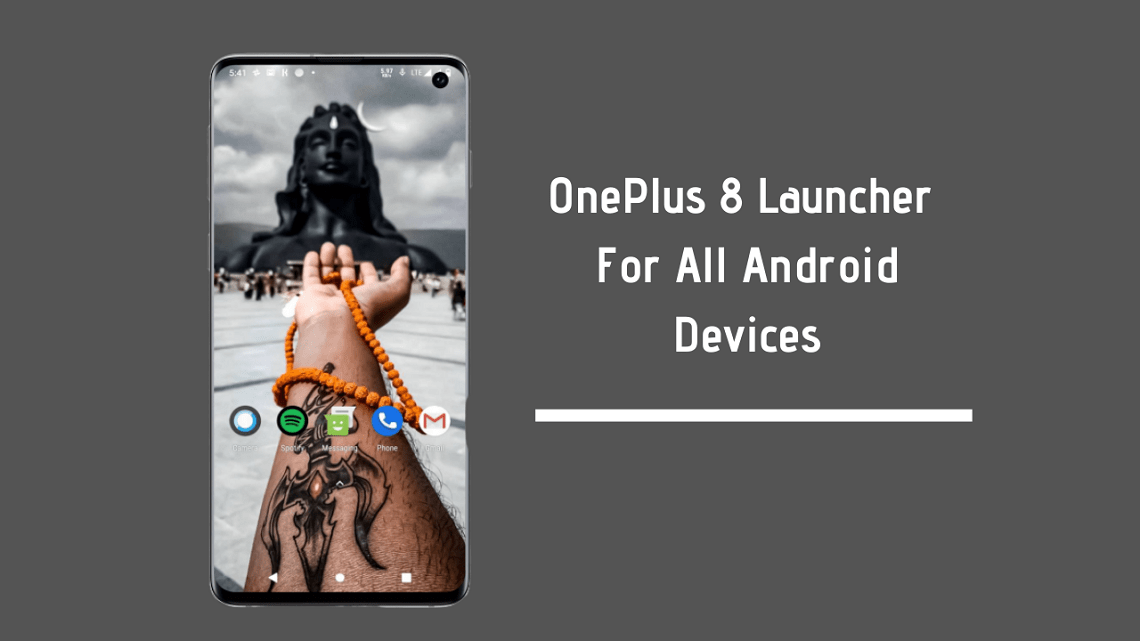
Here we share the latest OnePlus Launcher 5.2.66 APK for Android 10 devices. This OnePlus Launcher 4.4+ brings an updated app switcher to OnePlus phones. The app switcher on Android is no longer part of the core operating system in Android 10. OnePlus also released Android 10 for most of its flagship phones, including the OnePlus 8 series, 7 series, and 6 series. To enable the OnePlus Launcher with an updated app switcher, follow the guide below. The Magisk Module version needs root access.
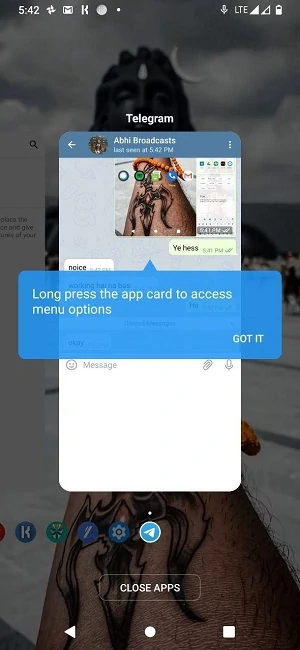
In Android 10, gesture navigation is now a component of your device’s home screen launcher. Now, you can easily change your recent app switcher panel without updating your device’s OS. The latest OnePlus Launcher 5.2.66 is now available on the Play Store and introduces the new Recents interface. The update moves the app icon to the bottom of the screen and the name of the app set in the middle at the top of the app tray. Also, the ‘Clear All’ round button for applications now has a ‘Close Apps’ label, and now you can simply hold down on the app to perform actions (like opening in multi-window or pinning).
Update
Many of you have reported that the OnePlus launcher APK is now working. So here is the OnePlus Launcher module, which will work on any Android smartphone. Basically, it’s a Magisk module developed by @SKULSHADY. All credits go to him. It’s a Magisk module so you will need a rooted smartphone. Yeah, it will not work on non-rooted smartphones.
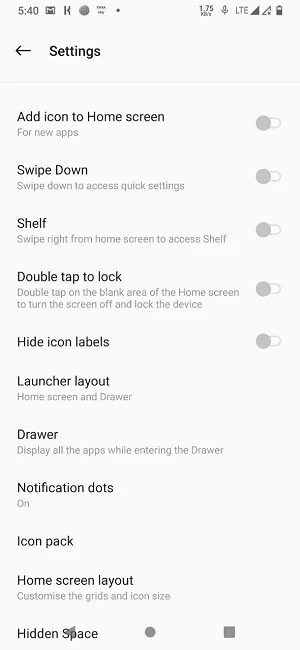
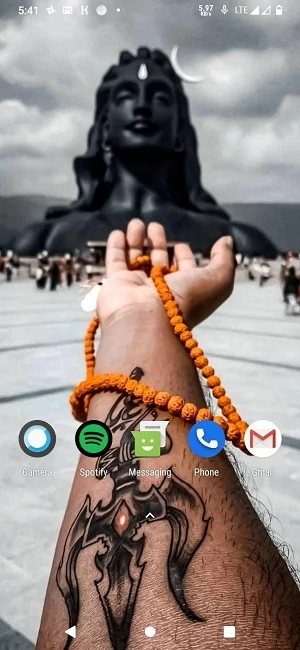
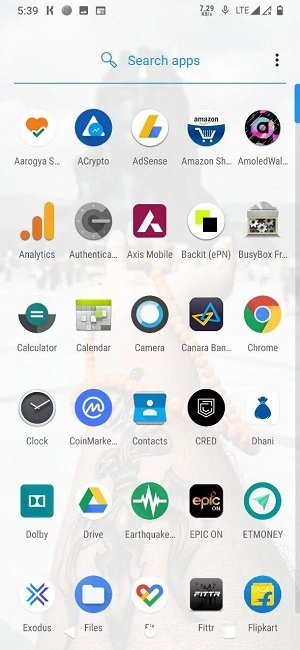
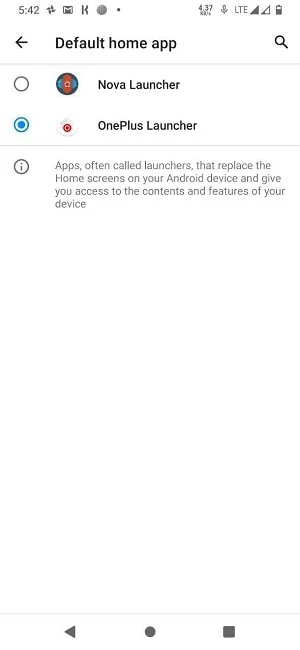
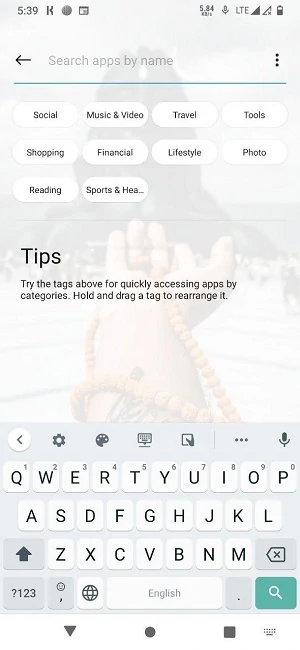
It’s really easy to use just by flashing Magisk Module Zip. You can select which launcher to apply. Like, if you use Nova launcher then you can select OnePlus or Nova launcher as your choice. This launcher is the same as the launcher available on the latest OnePlus devices. Check the above screenshots to know more. So if you have OnePlus smartphone then you can try the below APK file. If you don’t have then scroll a little more and install the Magisk module.
Download OnePlus Launcher APK (OnePlus 8 Launcher)
If you want to install this update on your device then download OnePlus Launcher 5.2.66 APK from Playstore. This is the latest original untouched version of the OnePlus Launcher that is directly extracted from the OnePlus device. The latest version with the file name OnePlus Launcher5.2.66 (Android 10+) is now available for download.
Download the Latest OnePlus APK Launcher
- New OnePlus Launcher 5.2.66 – OP Launcher 5.2.66.apk
- OnePlus Launcher 5.1.17 – OP+Launcher+v5.1.17.apk
More Launcher –
From PlayStore:


APK Download:
| Version | Download Link |
|---|---|
| Latest OnePlus Launcher 4.4.8 | net.oneplus.launcher_4.4.8.apk |
| OnePlus Launcher 4.4.4 | net.oneplus.launcher_4.4.4.apk |
| OnePlus Launcher 4.4.2 | oneplus.launcher_4.4.2.apk |
Install Instruction For APK version:
- Download The OnePlus_Launcher.apk file.
- Then Copy the downloaded file to your mobile or tablet in internal or external storage.
- Now enable Unknown Sources options from Settings > Security or Settings > Additional settings > Privacy.
- Install OnePlus_Launcher.apk.
- After installing APK, go to App magazine and open the OnePlus Launcher app on your device.
- Now you click on the Home button.
- Select OnePlus_launcher, that’s it !!!
Download Magisk Module
You can get more versions from HERE.
How To Install Magisk Module
- Download the Magisk Module Zip file from the above links.
- Open the Magisk Manager.
- Go to the Modules section and tap on the “+” icon situated at the bottom.
- Now browse for the Launcher Zip file you downloaded earlier.
- Select the file, the file will be flashed.
- Now reboot your smartphone.
More Downloads –
- Download the Latest OnePlus Slate Fonts For Any Android
- 20 Best Nova Launcher Setups with Icon Packs, Widgets
That is, you can now enjoy the Official OnePlus Launcher On Android devices. If you like this type of post please share it with other communities and forums. Don’t forget to join our telegram group for more wallpapers, Themes, and Ringtones updates – https://getdev.me/telegramdev.