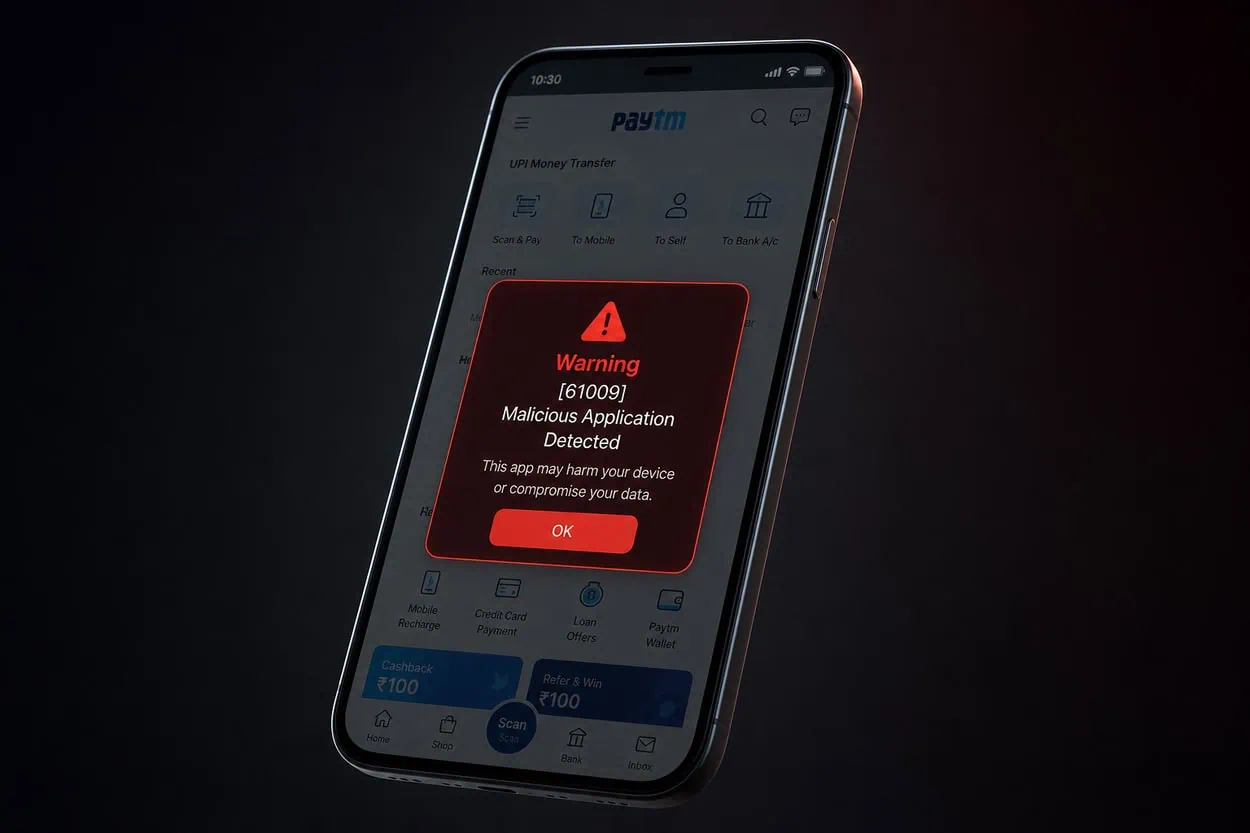
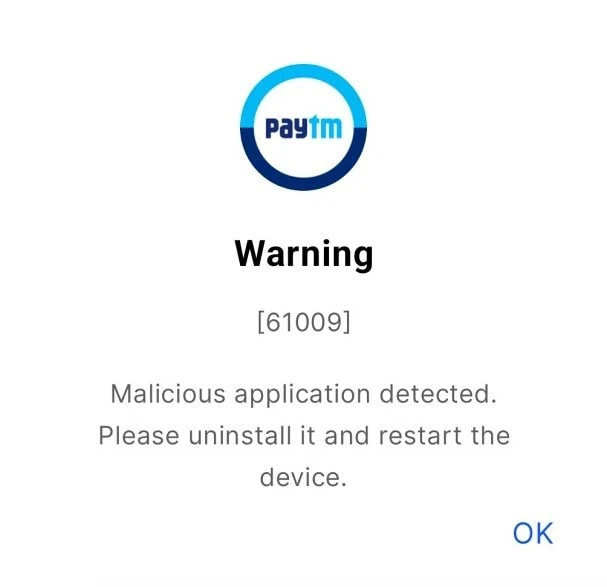
Many Paytm users in India have been experiencing a popup as soon as they attempt to launch their app. The message is: “ Warning (61009) Malicious application detected”. Uninstall immediately and reboot the device.” Users can’t use the app to make payments, check their account balances or perform any other actions. What is interesting is that even when launching Paytm from a completely stock android device with locked bootloader and no root access, the same error occurs.
The error does not occur when using other UPI applications such as Google Pay, Phone Pe, Cred, etc., nor will it occur while attempting to log into any of the user’s banking apps. So why is Paytm throwing an error? Why would your perfectly functioning phone be blocked from being able to function as intended? The answer lies within Paytm’s methods for detecting other applications operating in the background on your phone. Most of the time these errors are simply the result of a false positive – caused by a legitimate app running in the background.
What Is Paytm Warning [61009]?
Flag Code 61009 is a Security Check Flag used by Paytm. The App searches your Device for Installed Packages that will allow interaction of other Apps at System Level. Even though these are Safe, Paytm considers them Potential Threats. The Detection Logic uses Elevated Permissions, Background Services, or Ability to Modify an Application as a threat. This is Paytm Being Too Cautious.
Apps That Trigger Warning 61009
The most commonly installed package that causes issues are Some root apps like KernelSU, Shizuku. Shizuku is a Legitimate Open Source Tool that allows Apps to utilize System API via ADB or root permissions. Power Users Install Shizuku to Run Apps such as Canta, SAI, or ReVanced Manager. Paytm Detects Shizuku Running in the Background and Flags It As Malicious. There are several other apps which have been reported to cause problems. Examples of some of those apps are YouTube ReVanced, Vanced MicroG, Cloned App Instances From Island or Shelter, and Apps using Parallel Space Like Dual Space or Parallel Space.
How to Fix Paytm Warning [61009]
Fix 1 – Uninstall Shizuku, Magisk, KernelSU
The quickest fix is to uninstall Shizuku, Magisk, KernelSU from your device. Go to Settings > Apps > See all apps . Tap Uninstall. If you used Shizuku through ADB, also revoke the USB debugging authorization from Developer Options. After uninstalling, force stop Paytm and reopen it. The warning should be gone. You can reinstall Shizuku later when you need to use it but you will have to uninstall it again before opening Paytm.
Fix 2 – Remove YouTube ReVanced and Vanced MicroG
If removing Shizuku did not help, check for YouTube ReVanced or Vanced MicroG. These modified versions of YouTube run background services that Paytm can detect. Uninstall MicroG first, then uninstall ReVanced Manager and the ReVanced app. Restart your phone and try Paytm again. If you need ReVanced, install it inside a work profile using Island or Insular so Paytm cannot scan it.
Fix 3 – Delete Cloned App Instances
Cloned app instances can also trigger warning 61009. If you use Dual Space, Parallel Space, or similar app cloning tools, try uninstalling them temporarily. The same goes for work profile tools like Island or Shelter. Paytm seems to detect the presence of multiple app instances as a security risk. Remove these apps, restart the device, and check if Paytm opens normally.
Fix 4 – Hide Apps on OxygenOS / OnePlus Devices
OnePlus and Oppo phones running OxygenOS have a built-in app hiding feature that can help. Open Settings > Privacy > Hide an app. Select Shizuku or any other app you want to keep. Hiding it removes it from the app drawer and hides it from other apps scanning the installed package list. This method works for some banking apps without needing to uninstall anything.
Fix 5 – Clear Paytm App Data
If none of the above works, try clearing Paytm data. Go to Settings > Apps > Paytm > Storage > Clear data and Clear cache. This resets the app to its fresh install state. You will have to log in again. Sometimes Paytm stores a flag after detecting a suspicious app and clearing data removes that flag. This method alone rarely works but combined with removing the triggering app it can help.
How to Prevent Warning 61009 in the Future
To avoid this error in the future, keep Shizuku and other system-level apps uninstalled when you are not using them. Install modded apps like ReVanced inside a work profile or use the official app instead. Paytm updates its detection list regularly so an app that works today might trigger the error tomorrow. If you rely on Paytm daily it is safer to keep your device as clean as possible.