

The Ultimate Sound Mod for PC by AAFFamilyDCHAudio AAF Optimus Sound Mod for PC is here. In this article, we will show you how to install Realtek Modded Driver, Dolby Atmos, DTS Audio, SoundBlasterConnect, SonicStudio3, and other Audio Enhancers. This Realtek Mod will unlock the Dolby surround system, DTS, and other audio enhancers, such as Realtek HD Audio Manager, Asus SonicStudio and Nahimic. Moreover, we have uploaded all the Audio Enhancers and modded drivers. You can easily install the mods with our guides.
Most high-end PCs and Laptops came with Hi-Fi audio DACs and were pre-installed with Dolby Atmos, DTS, and other Sound Mods. However, this Realtek modded driver will unlock the use of these audio mods on any PC or Laptop. We have written a comprehensive guide on how to install and use it on your Windows 10 and Windows 11 PC or laptop. Before that, we will show you the Complete features of the AAF Optimus Sound mod. In addition, it features most of the Audio Wizard or software from top-end PC and Laptops.
In Short
- The Realtek Modded Driver by AAFFamilyDCHAudio unlocks Dolby Atmos, DTS, and other audio enhancers for any PC or laptop.
- This mod includes essential features like Realtek HD Audio Manager, Dolby Audio, DTS Studio Sound, and Sound Blaster Connect.
- Users can install the mod with a simple guide on Windows 10 and 11, enhancing audio experience significantly.
- The download includes an all-in-one installer for top audio enhancers and requires removing old audio drivers beforehand.
- AAF Optimus is ideal for PCs with Realtek audio cards, providing extensive audio customization and enhancements.
AAF Optimus Top Features and Pre-installed Audio Enhancers Apps
AAF Optimus The Ultimate Sound Mod, developed by AAFFamilyDCHAudio, features top-end Audio Wizard or Audio Enhancers software from top-end PC and Laptop. If your PC or Laptop comes with a Realtek Audio card or chip, then you can enjoy the top Audio Enhancers on your budget PC or Laptop. The developer modified the Realtek driver. Thus, it will enable most of the Audio Enhancers from Top brands. Here are some lists included with the Realtek Modded Driver AAF Optimus Sound Mod.
Realtek HD Audio Manager
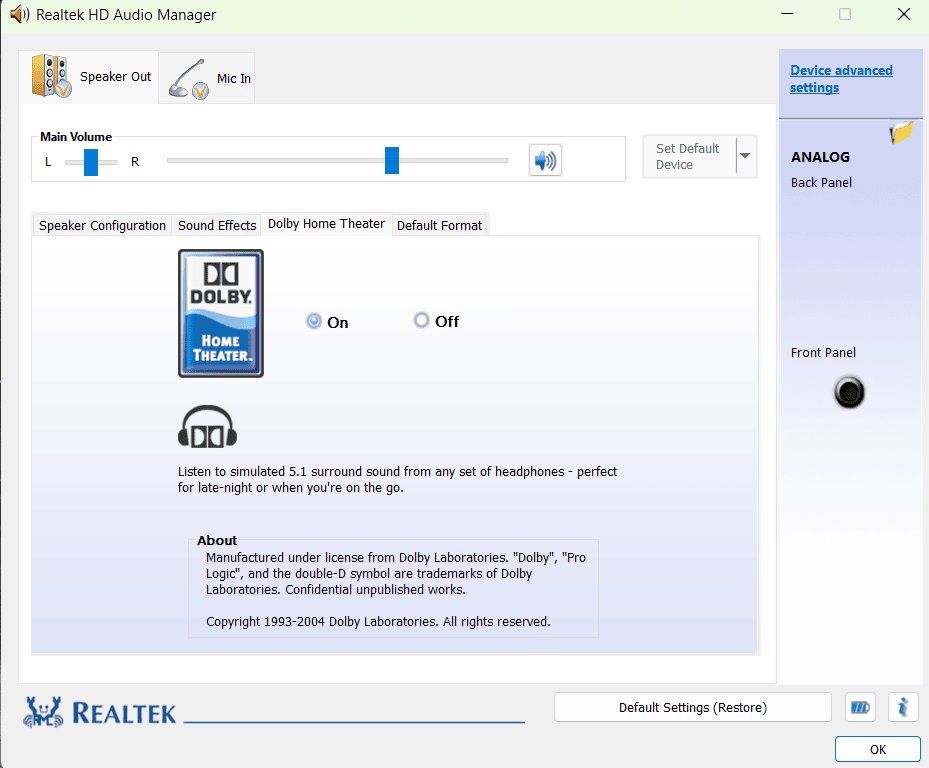
Get the old Realtek HD Audio Manager from and get rid of the basic Realtek audio console. The Realtek HD Audio Manager provides a simple-to-use graphical interface to configure your playback and recording devices. You can also set speaker and microphone volumes. Additionally, you can select one of several customized equalizer settings based on your desired audio profile (for example: music, movie). In addition, it provides features such as environmental effects, room correction and jack re-tasking.
Dolby Atmos and Dolby Audio
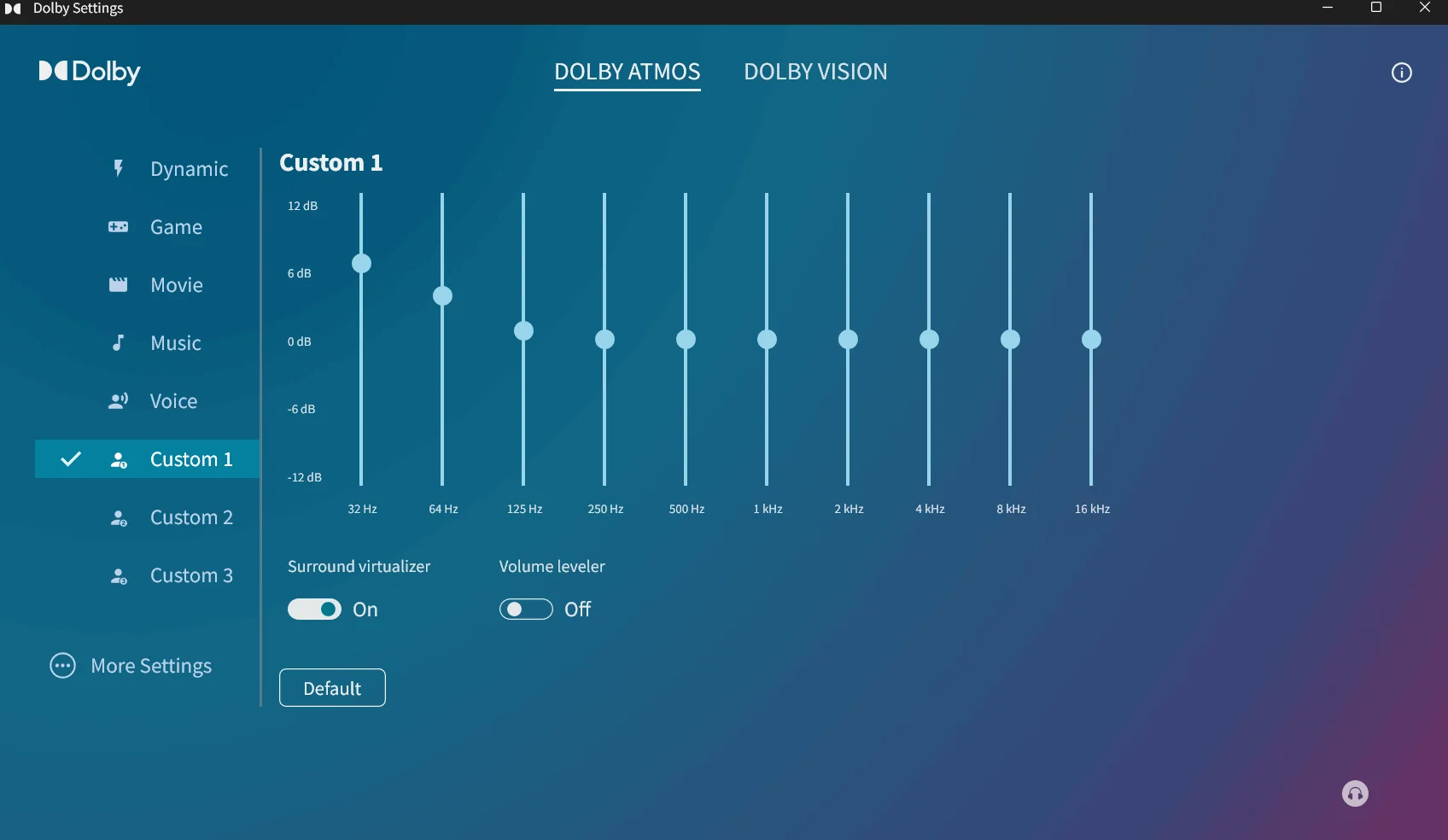
Dolby Atmos and Dolby Audio enhance the PC’s sound quality by creating an immersive surround effect, clearer dialogue, and richer bass for movie watching, music listening, and gaming. Using object-based audio, Dolby Atmos creates precise 3D placements for all types of sounds. For every day use, Dolby Audio adds clarity to all parts of the listening experience, including volume level, and dynamic range. The Dolby Atmos and Dolby Audio Apps are pre-installed with AAF Optimus mod. Furthermore, you can install Dolby Atmos on your PC for free with this Mod.
DTS Studio Sound and DTSX Ultra
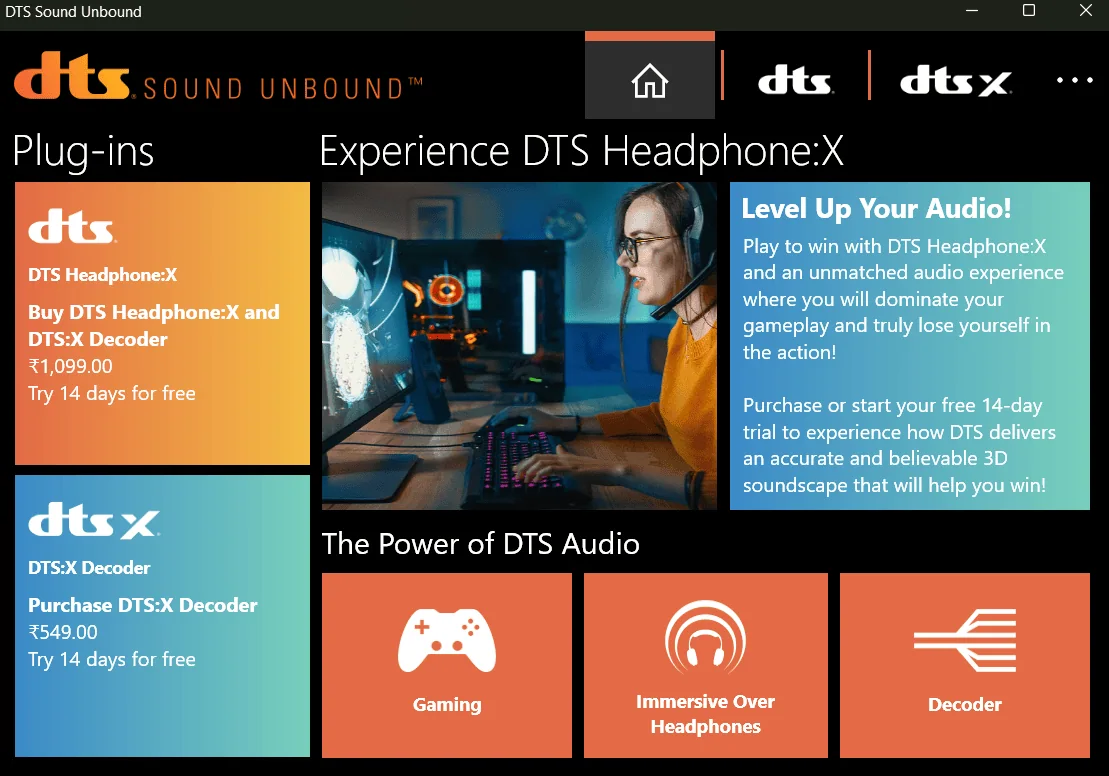
The two DTS Studio Sound and DTSX Ultra bring a new level of 3-D spatial processing (for surround), dialogue and bass enhancement to your computer-based audio setup, making movies, music and games sound fuller and more expansive. DTS Studio Sound is focused on increasing the quality of both the dialogue, loudness and virtual surround in standard speaker or headphones based systems. On the other hand, DTSX Ultra brings an even higher degree of 3-D positioning audio. It also offers greater tuning capabilities geared toward gaming and other immersive type content.
Sound Blaster Connect
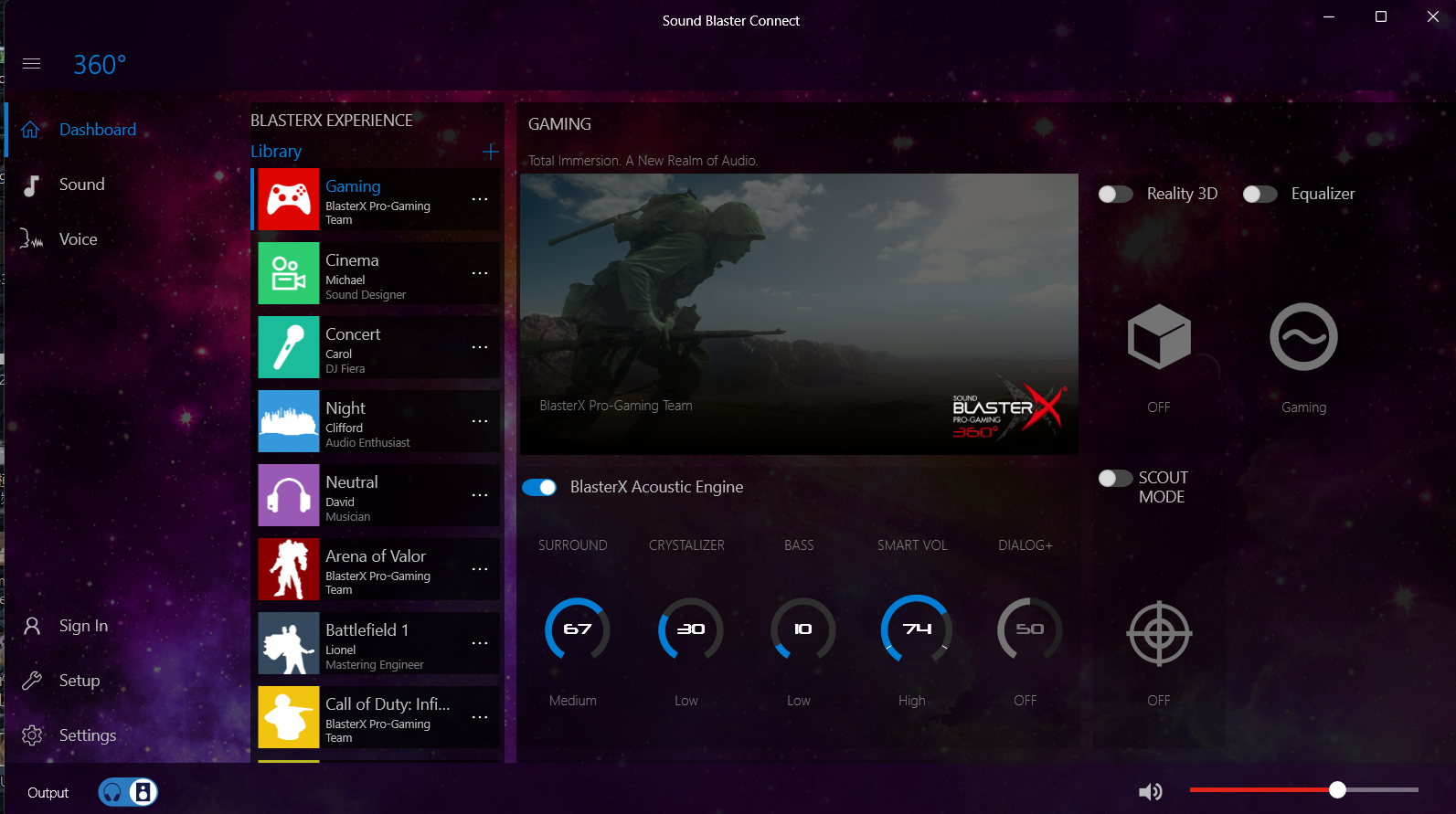
Sound Blaster Connect by creative allows for a level of customization in your computer’s audio that has never been seen before. With a variety of features to help you customize your audio experience including; surround sound, enhancement and equalization (EQ) presets, it provides both app specific and profile based settings as well as custom settings such as crystalizer and bass and gives you the power to make your own customized audio experience. The AAF Optimus mod features both Sound Blaster Connect and Sound Blaster Connect 2 App.
Sonic Studio 3 and Sonic Radar 3
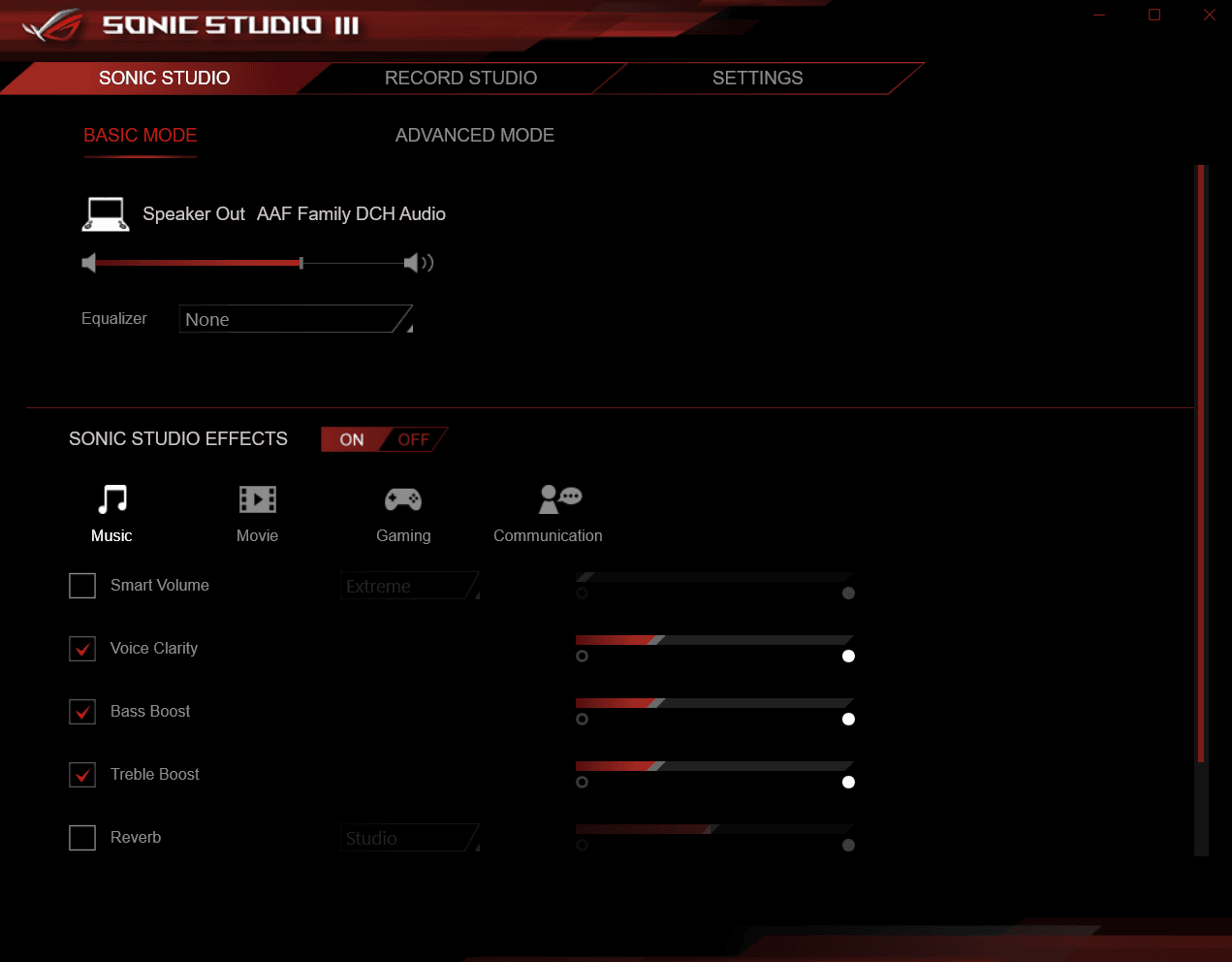
Sonic Studio 3 and Sonic Radar 3 are both applications used as part of ASUS’ gaming audio suite. The audio enhancer allows you to utilize custom EQ settings, surround sound, and effects preset for use with gaming, movies and music. On the other hand, Sonic Radar 3 will display all the game related audio (footsteps, gun fire, etc.) directly onto your screen so you can see what is happening around you. The Sonic Studio 3 and Sonic Radar 3 Apps are pre-installed with AAF Optimus mod. Therefore, you can install Sonic Studio on your PC for free with this Mod.
Nahimic by SteelSeries
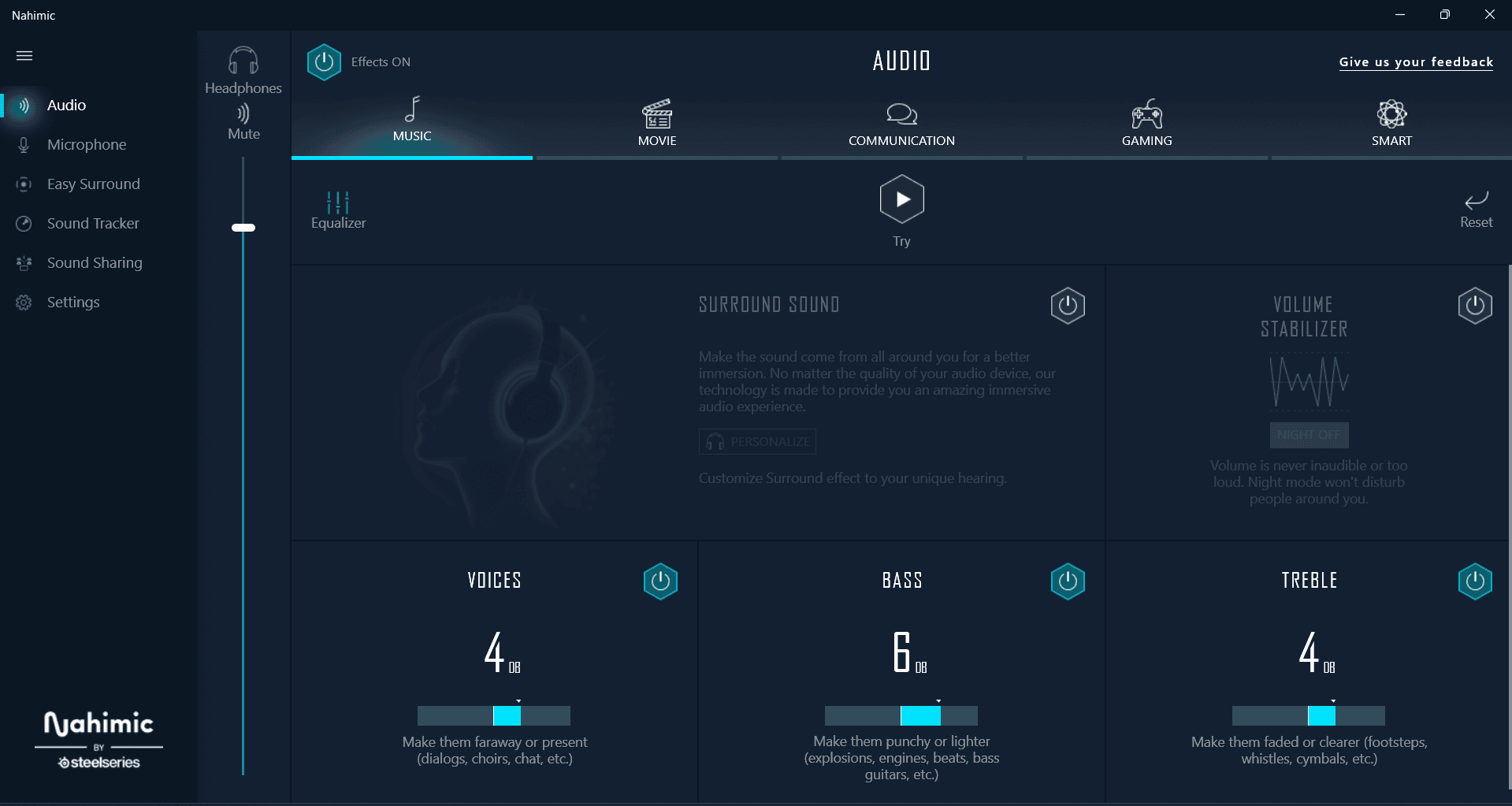
SteelSeries’ Nahimic is a highly developed audio enhancing system designed to produce 3D audio for PCs, enhance voice clarity, provide richer bass and create a fully immersive audio experience of video games, movies, and music using Realtek audio. This software has a number of features including a virtual surround, smart volume, voice clarity and customizable audio settings to help you adjust the audio quality to meet your needs. You can install Nahimic as an option with the Realtek mod driver by AAF Optimus.
More Audio Enhancers with Realtek Modded Driver
AAF Optimus also offers audio enhancers such as DTS Sound Unbound, Sound Blaster X-Fi MB5, and Asus ICE Sound. You can easily install these Audio Enhancers as an option from the Installer.
Download AAF Optimus Sound – Realtek Modded Driver
AAF Optimus Realtek Modded Driver come with Dolby Atmos / Dolby Audio, Realtek HD Audio Manager, Creative Sound Blaster Connect, DTS Studio Sound / DTSX Ultra, Sonic Studio 3 and Sonic Radar 3, Nahimic by SteelSeries, DTS Sound Unbound, Sound Blaster X-Fi MB5, and Asus ICE Sound. Furthermore, the one All-in-One installer will install every top Audio Enhancer available in the market.
The New 2026 Realtek Mod Driver included the old Realtek HD Audio Manager
Download from Github – AAFFamilyDCHAudio Github
OLD Version ⇓
Realtek Mod Driver – Realtek-Mod-driver.zip
Download Audio Enhancers. You can install these Audio Enhancers with Realtek Mod Driver (Asus Sonic Focus, Dolby, DTS, SRS, ViPER4Windows, Nahimic 3, and More).
Audio Enhancer Mediafire Folder – Audio_Enhancer Mediafire
Cleaning Tool for Complete Uninstall – CleaningTool.rar
Driver Signature Enforcement batch file – Disabling Driver Signature.rar
Supported Devices:-
- Windows 10, 11 (64-bit x86), PC, and Laptop. Realtek audio cards.
Prerequisites:-
- Uninstall the old Realtek HD audio driver.
- Enable Windows Developer Mode from Settings ⇒ Update & Security (Optional).
- Update your Windows to the Latest Build.
- Disable Driver Signature Enforcement for Old Version Modded Driver (Not Required for New Version) from Settings ⇒ Update & Security ⇒ Recovery.
- Or run “Disabling Driver Signature.cmd” and restart your Windows.
- Download the Modded Driver and Read the Installation Guide.
How To Install AAF Optimus – Realtek Modded Driver
1. Read Prerequisites: and Uninstall the old Realtek HD audio driver, by opening Device Manager – In Windows Menu, Open Run and type “devmgmt.msc” and hit Enter.
2. Go to Sound Video and Game Controllers – Find Realtek Audio Driver→ Select the driver and right-click → Uninstall Driver → Click Uninstall.
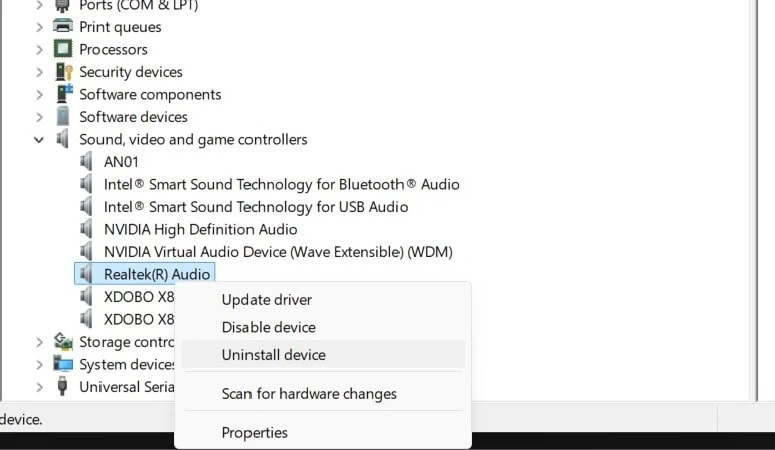
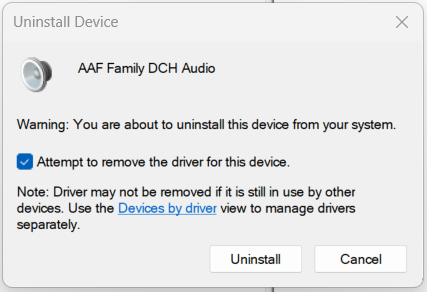
3. Uninstall Other Audio apps like Realtek Audio Console, Dolby or other official audio enhancers, and reboot Your pc after uninstall.
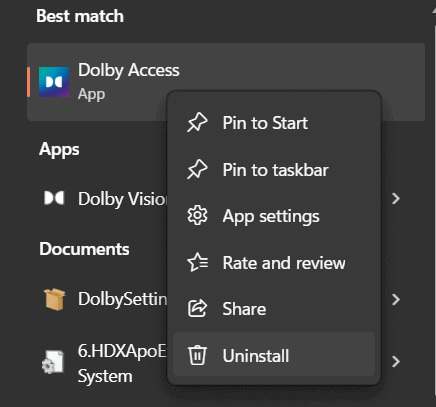
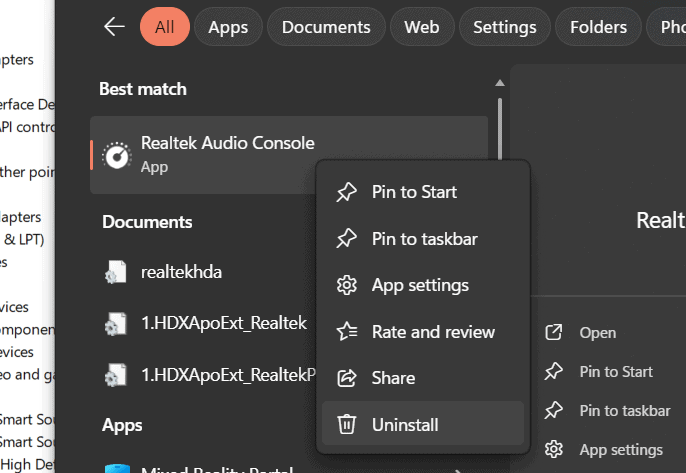
4. Download the latest AAF Optimus zip file from the download section and unzip using the 7-Zip App.
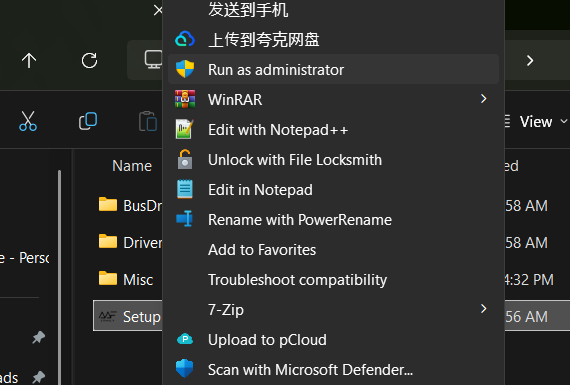
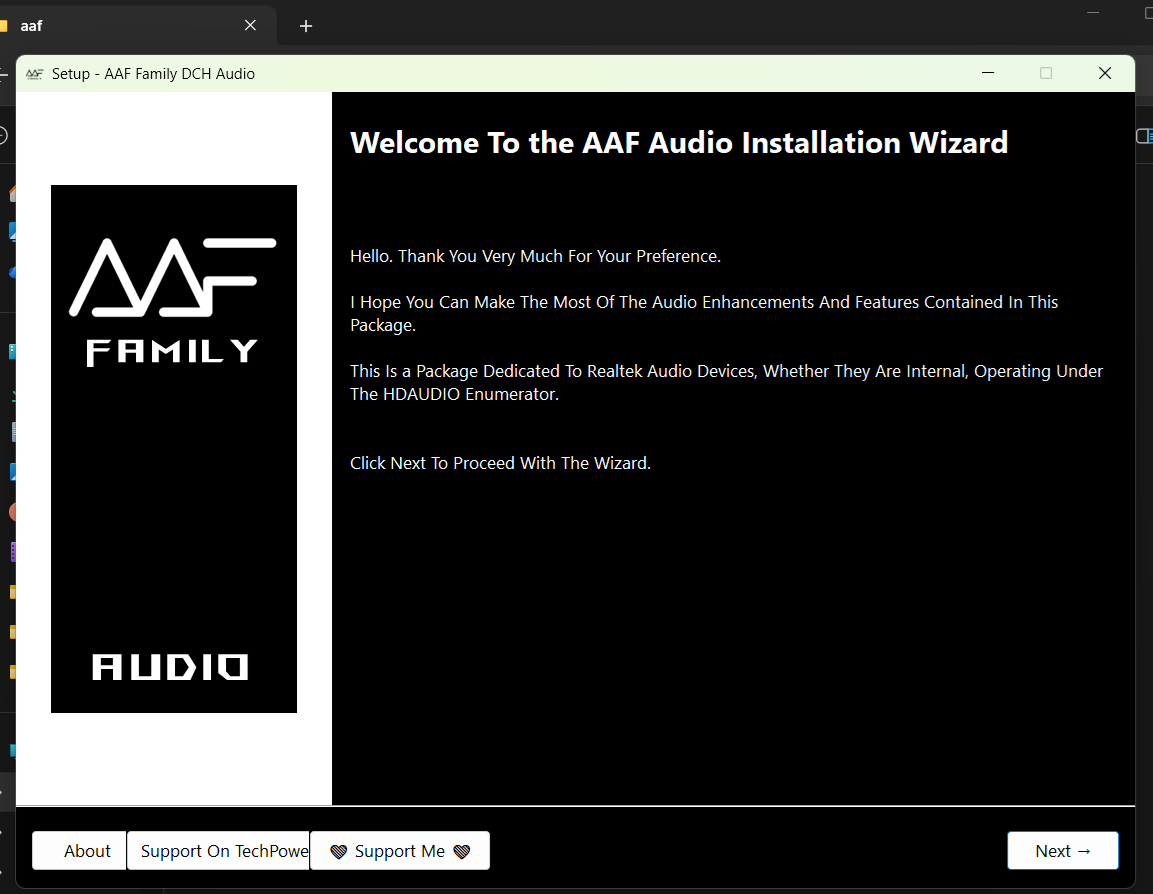
5. Run Setup.exe as Administrator and click Next.
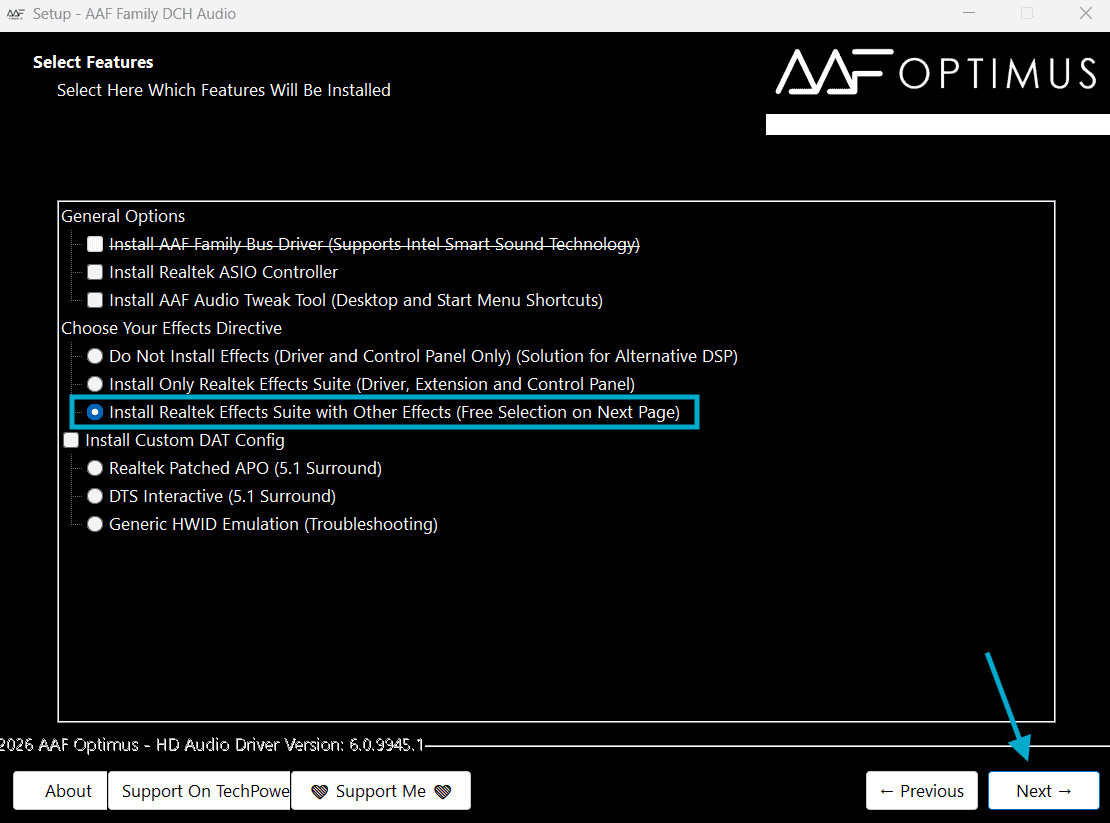
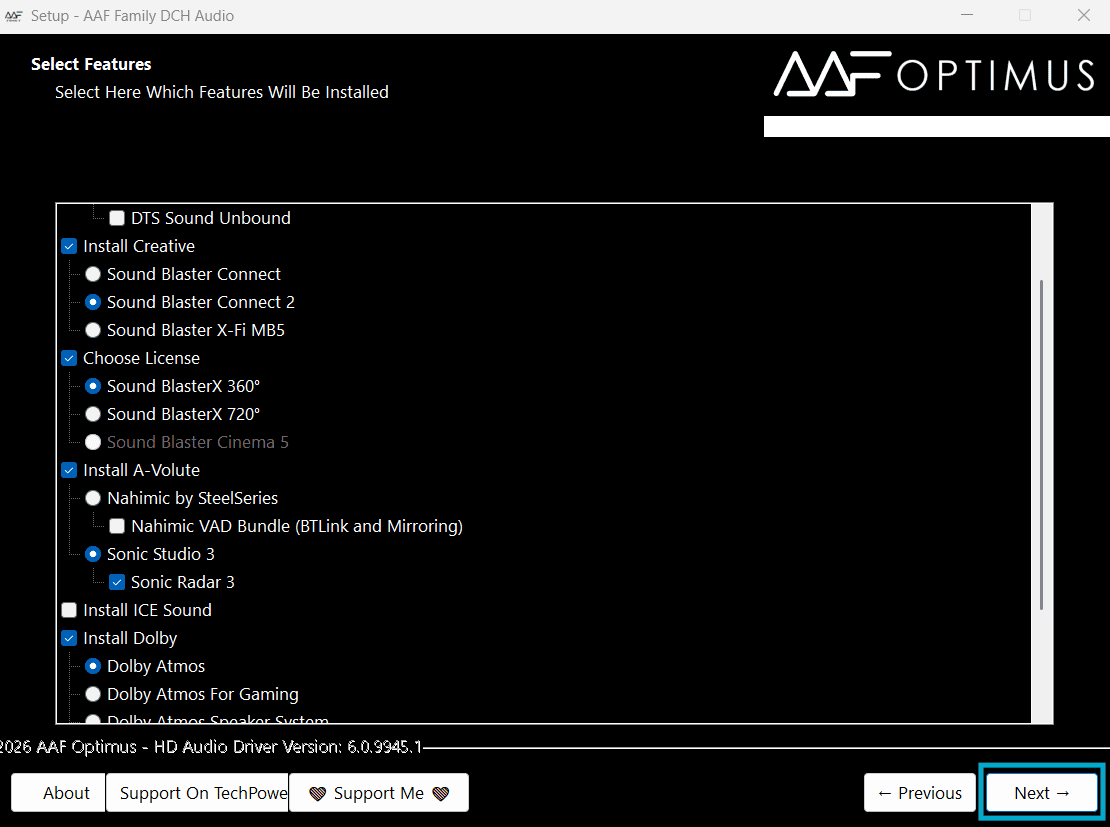
6. Select Option: Install Realtek Effects Suite With Other Effects (Free Selection On Next Page). Select the Audio Enhancers you want to install. For me, I selected Dolby, Sound Blaster Connect, Sonic Studio 3 and Sonic Radar 3. Don’t install DTS and Dolby surround together; install any one of them, both may not work at the same time.
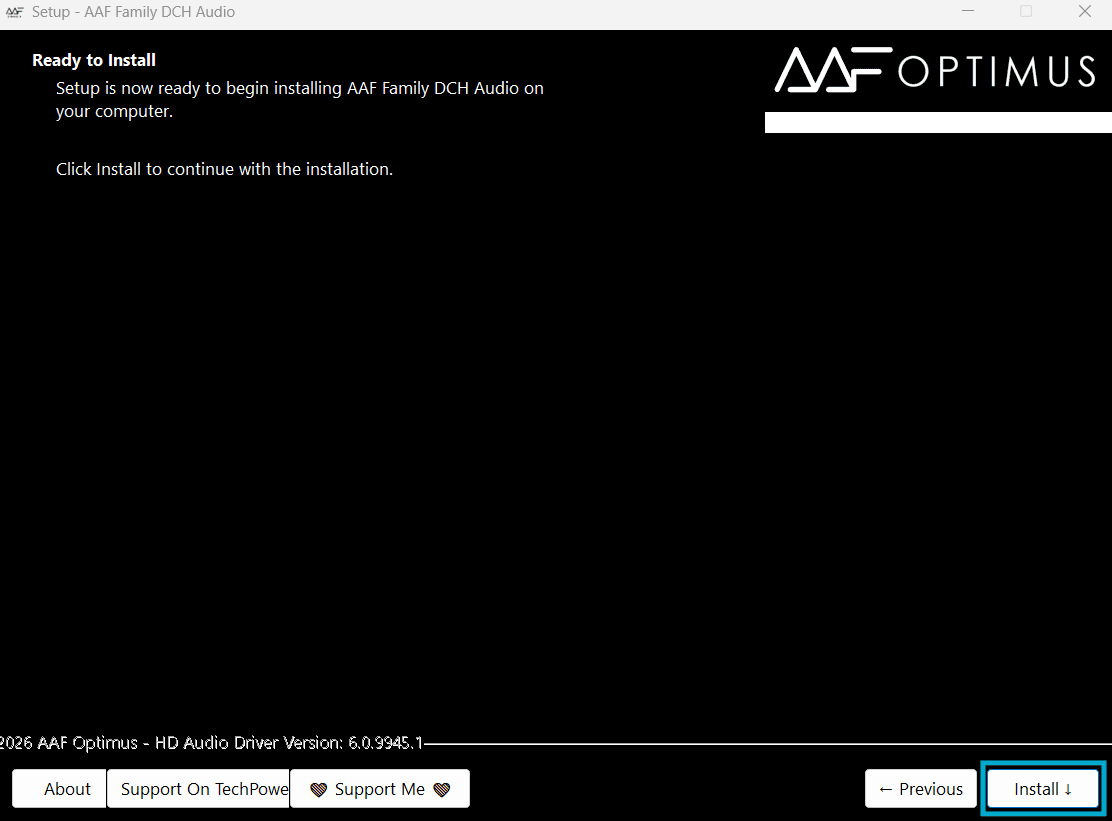
7. Now wait for the installation. After that, reboot your PC.
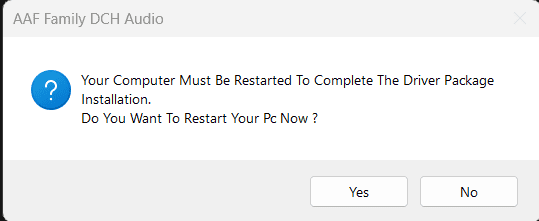
8. That’s it. After reboot, you can access Realtek HD Audio Manager, Dolby Atmos, DTS Audio, Sound Blaster Connect, SonicStudio3, and other Audio Enhancers from the Windows start menu. For convenience, you can search for the Audio Enhancers you want to use. Then, you can customize the Audio or Music setting as your choice.
FAQ AAF Optimus
The AAF Optimus is an Realtek Modded Driver bundle, which unlocks all of the additional capabilities you are familiar with in Dolby Atmos, DTS, Nahimic, and Creative Sound Blaster Connect equalization and surround options.
Primarily 64-bit PC versions of Windows 10 & Windows 11 utilizing Realtek onboard audio chip, laptop, and desktops.
In addition to the above options, you will be able to choose from Dolby Atmos, DTS, Nahimic 3, Creative Sound Blaster Effects, and various additional equalizer and surround options.
Before downloading, installing and using AAF Optimus, you need to completely remove any pre-existing audio drivers for Realtek, Dolby, DTS, etc.
The Mod is created by the community, specifically made for dev users. Therefore, the community does not always provide support, and sometimes no longer provides updates; therefore, you must accept ALL RISK when installing the mod.






Add-AppDevPackage.ps1 says its “expired”… so, what to do??
Turn back your date to 2018 and it will work.
certificate has expired…plz help….!
5.1 in this mod is not working please fix it……………..
For certificate workaround: set date on you PC to any point between 9/6/2017 to 9/6/2018
Hey Nitya, SB Connect is some seriously good stuff, thanks man!
In my laptop both headphones and laptop’s speakers are working simultaneously not separately. So i am having same sound coming out in two devices. What can i do? Dolby is not working but dts and sb connect working with two devices streaming sound at the same time.
why is there a trojan win32/peals.B!gfc in the realtek mod driver
which is good, install dolby atmos or dolby home theater v4?
Nothing works… certificate expired, and after trying to install DTS I cannot even execute application. This msut be too old. If author updated this for Realtek 1220 on Aorus B550 that would be great…
Well, I did every process. Doesn’t works, at least not on win11.
When I open dolby app it just says “there is a problem accessing the dolby driver”.
So, no joy.