

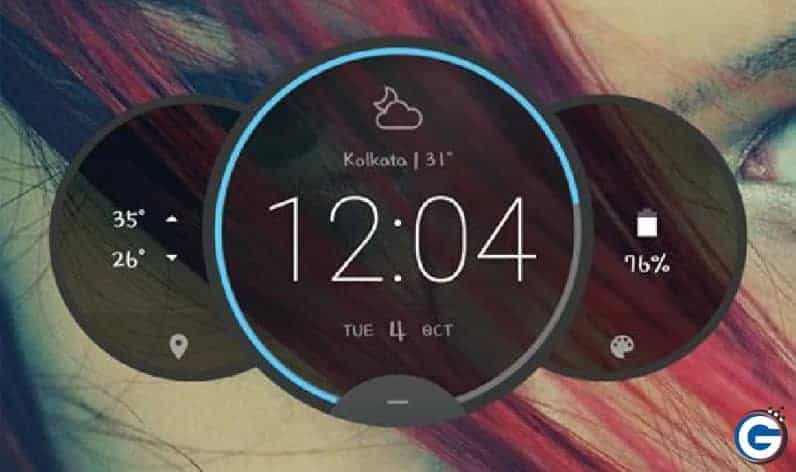
This guide, we will show you how to install Moto Z circle clock widget on your android. It enables process too easy do not need any root or any TWRP recovery on your android smartphone. Without any root, you enable Moto Z circle clock on your device via this app. This widget comes with Motorola’s new Droid Turbo 2, and the Moto Z 3 play devices.
All android users want to customize your device with static and live wallpapers, custom fonts, home launchers, different themes, icon packs, ROMs, and many types of mods. Android is the best platform to customize everything that you want, Android lets you change everything through root your device.
Moto Z Circle Clock Widget
If you try to want to ordain your device home screen and want to add some new widgets, themes, wallpapers, launchers then you should save notepad or bookmark GizDev because we always share all new stuff for Android that makes your device so beautiful and stylish. If you want to customize your device then please see previous mods, wallpapers, theme and many other categories post.
This new circle clock weather supports any version of the Android device, You can test lollipop, Marshmallow, and Nougat version android device it works fine. Today I already installed this widget, it makes my Huawei honor 6 too sexy 😉
Just Moto Z Circle Clock Widget apk file fro the below download link and you can install it manually. It so beautiful that show you live weather, the temperature automatically on based on your location. We tested the widget on Huawei emui, ZTE nubia UI, MIUI it works fine.
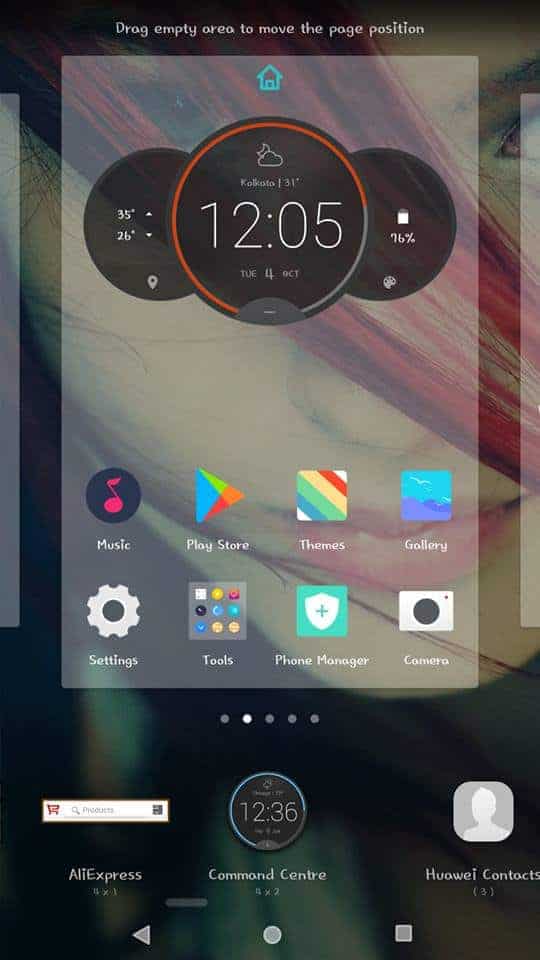
_Screenshot_
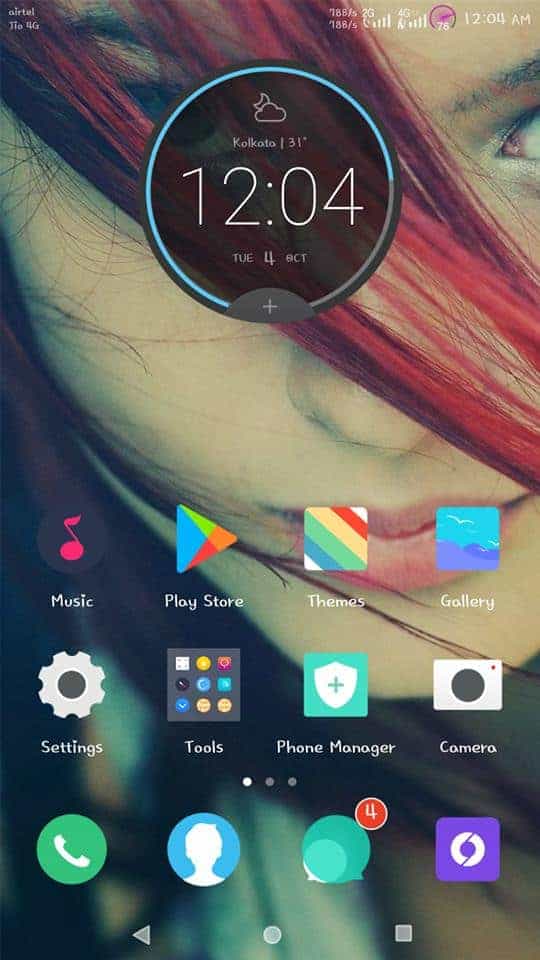
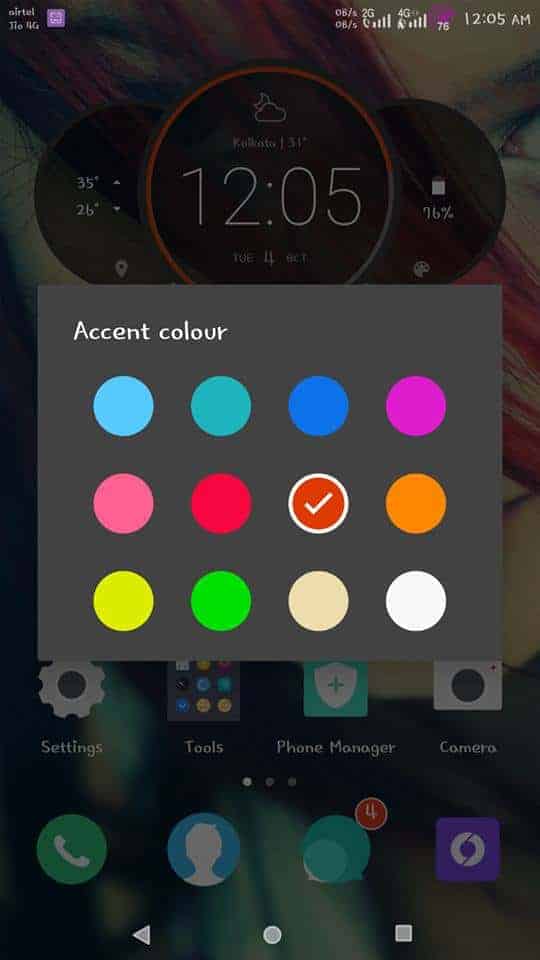
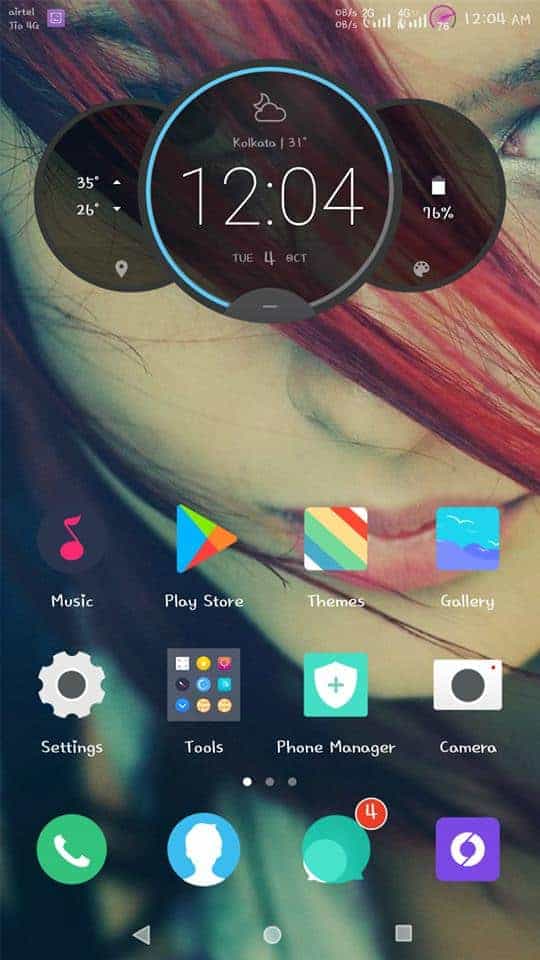
Note:-
- Tapping the clock that shows the Alarm setting.
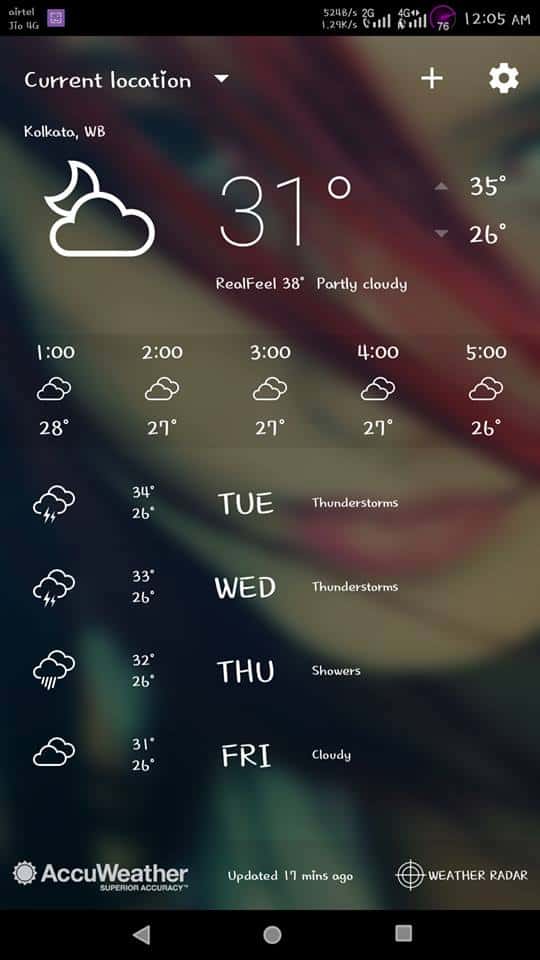
- Tapping the weather icon it shows a detailed weather forecast screen.
- You can customize the colour by tapping the colour palette icon in battery usage status.
Download Moto Z Circle Clock Widget
More Widget – Xperia Clock Widget Apk For Any Android
Guide to Enable Moto Z Circle Clock Widget
- Download apk on your phone (if you download apk on the computer then copy it to your device using a USB cable).
- If doesn’t enable Unknown sources then enable it.
Go to Settings> Lock screen and Security> Unknown sources and tick to enable.
- Then open Circle_Clock_Widget_v3.apk and click to install.
- After installing the app, it automatically adds your widget option.
- Go to widget option by tap and hold any empty space on the home screen.
- Find widget (command centre) then tap and drag it to the home screen.
If you like my post then submit your reaction below…. 🙂 🙂 🙂
More Downloads:-
- How To Get LG V30 Floating Bar Style Feature On Any Android Device
- Download Nokia 6 Stock Ringtones In High Quality (All Tones)
- Latest Stock HTC Music Player v8.10 For All Android Device
- Download Google Pixel 2 Theme For EMUI 5.0 Devices
- Download OPL27.76-57 Moto Z Android 8.0 OREO Update






Hi Akash,
Thanks for this – brilliant!
One small thing: I can’t find a way to change the colours, and don’t have those two circles at the side (one with battery and one with temp). I’m using a Sony Xperia Z5 Compact running Android Nougat – is that why?
Thanks again,
David