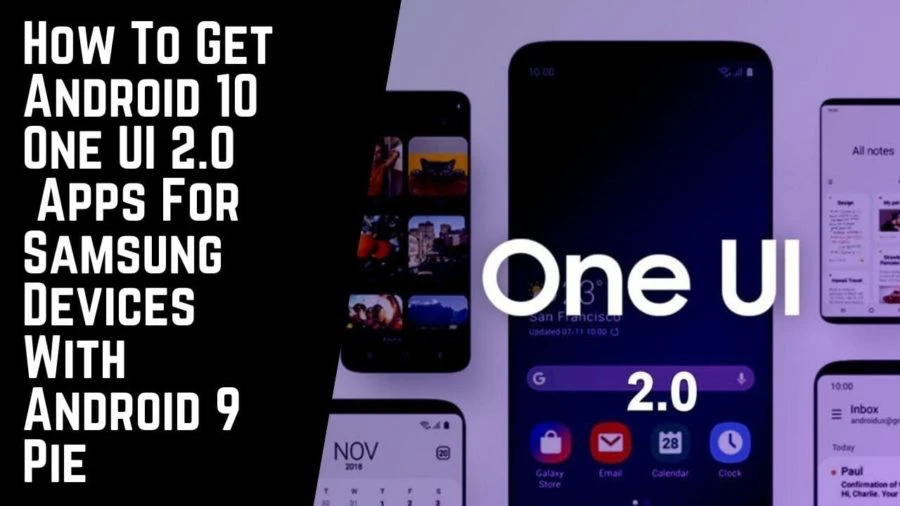
The new Samsung’s skin One UI was the most awaited UI for all Samsung lovers. Finally, it was ditching the TouchWiz, Experience UI which was a headache. The newly launched ONE UI was loved by most of the users it was refreshing for Samsung devices. Now the Android 10 based ONE UI 2.0 is coming to flagship Samsung devices and later will be updated to older or normal mid-range devices. There are some changes in the apps as the UI gets updated with the Android 10 base. So if you have Android 9 Pie-based rooted Samsung phone then you can get the Android 10 ONE UI 2.0 apps for Samsung devices. The apps are not fully stable but most of them work fine. So follow the post below to get the apps.
One UI 2.0 Apps For Samsung devices:
The ONE UI 2.0 is the latest edition to the last year ONE UI. Reportedly there some major and minor changes in some apps which come with ONEUI 2.0. If you want an updated ONE UI 2.0 Apps for Samsung devices based on Android 9 pie. Then you can follow the post below. Thanks to the XDA developer ALEXIS XDA for his thread all credits go to him.
Beware you need a rooted Samsung smartphone with Android 9. It will trip Knox, so if you are okay running into some issues then you install. Otherwise, STAY AWAY!!
List of apps ported apps from ONEUI 2.0:
- Browser
- Dialer
- Call screen UI
- My Files
- Calendar
- Clock
- Messaging
- Samsung Cloud
- Galaxy Store
- Smart Capture
- Smart Manager and Digital Wellbeing (bugged)
- Weather
- Gallery
- Keyboard
- Emoji’s
- TouchWiz Home
- Samsung One Font
- Good Lock and Task Changer
- Bixby Home in the aroma
- Samsung Browser in the aroma
Required Downloads:
More One Ui Downloads –
How To Install:
- Firstly, download the above zip file and place it in internal storage.
- Now reboot your Samsung phone into recovery mode.
- From the recovery, select Install and navigate to the ZIP File you downloaded earlier.
- Now, swipe to flash the ZIP file.
- Reboot your phone.
Now you can see the Android 10 ONE UI 2.0 APPS on your Samsung Devices on Android 9 Pie. So if you like the post, don’t forget to share it!! Also, like our official Facebook page for more information and instant updates!!