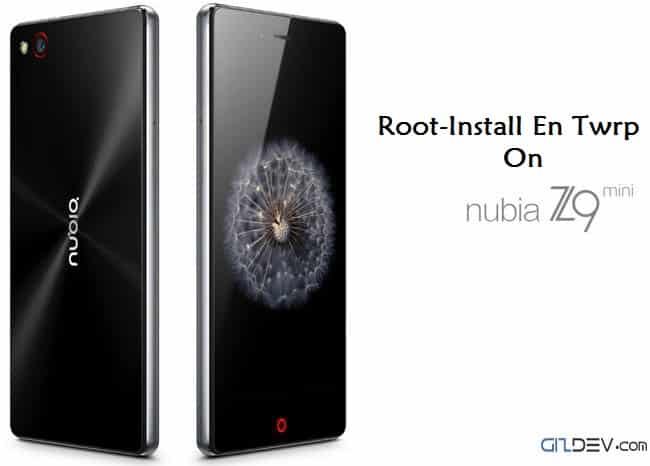
ZTE Launched There Nubia Phone Z9 Mini With Snapdragon 615 2 Gb Ram In India Available On Amazon.in In 16,999 Rs . This Phone 16 Megapixel Back Slr Lenses And 8 Megapixel Font
Now Xda Member Release One Click Tool To Install Twrp And Root.
This Root Tool Will Work On ZTE Nubia Z9 Mini Version Include India Version
Content List
Preparation
- Backup All Of Your Data
- Enable USB Debugging
- Open Settings> About> Software Information> More.
- Then tap “Build number” seven times to enable Developer options. …
- Go back to the Settings menu and now you’ll be able to see “Developer options” there.
- Tap it and turn on USB Debugging from the menu on the next screen.


- Download The Tool Extract It
- Install The Driver Run Autorun.exe
- Connect Your Mobile Via Pc Now Follow The Instruction
Download One Click Root Tool
Instruction
- Run ThemePush.bat
- Follow The Steps
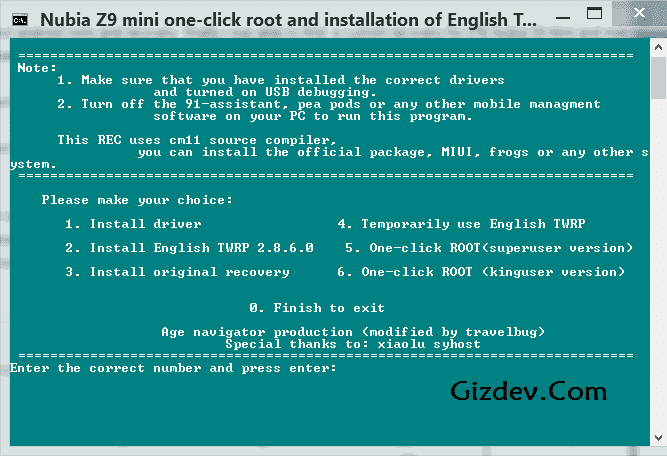
- Type And Hit 2 For Twrp Recovery Install
- Type 5 or 6 For Root
- It Will Do Completely Automatically
Like Nubia Dev Page For Z9 Max Z9 Mini Updates https://www.facebook.com/NubiaDev
Nubia Z9 mini Roms – Nubia Ui V.3.14 Customized Rom For Nubia Z9 mini