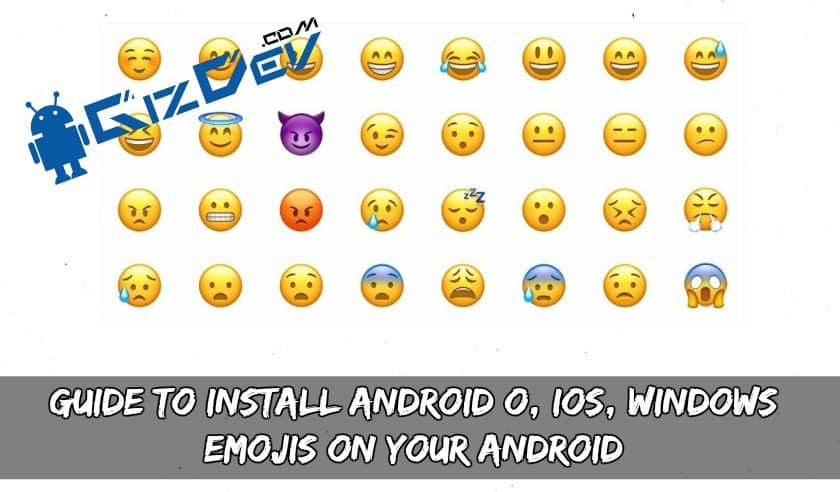
Are you bored with Emojis on your phone? Then this post is for you. Here we will Guide To Install Android O, IOS, Windows Emojis On Your Android. You can install Emojis from Android O, IOS, Windows on your Android phone. Thanks to developer Winb33 for this awesome trick. Peoples now often ly use Emojis rather than texts. Now in this time Emoji use is taking over the texts used. Emojis makes the emotions of messages in a correct manner and it is not a pain for texting long words. Nowadays for every short message, Emojis are being used. There are many different Emojis available, recently Facebook changed their Emoji. So does the Android changed it in the next version?
EMOJIS:
Android in its latest update Android O and Windows Emjois quite seriously because of the increasing use of Emojis. In Android O update there will be an update to Emojis. Emojis do not give more importance in previous versions but these Emojis are now must. In all the previous versions of Android, there were yellow Emojis but in this next update, it’s going to change a little bit or more. Facebook also changed its Emojis recently in his Messenger app. You Don’t have to wait for Android O update for its emojis.
Your device should be on Nougat Version of Android. It should be on custom recovery and must be rooted to use all the Emojis. Considering you have all the requirements let’s head towards the Emoji installation.
Recommended Posts:
- Guide To Install TWRP 3.1.1 Recovery And Root Honor 8 Pro (DUK)
- Replace Android O Emoji On Any Android 5.0+ Running Device
- Official Lollipop Android 5.1 For Micromax Canvas Xpress 2
- Guide To Install TWRP Recovery And Root 360 Qiku N5
- Guide To Install Official TWRP 3.1.1 Recovery For OnePlus 5
NOTE: These Emojis will only work on a device running Android Nougat version only.
Screenshots:
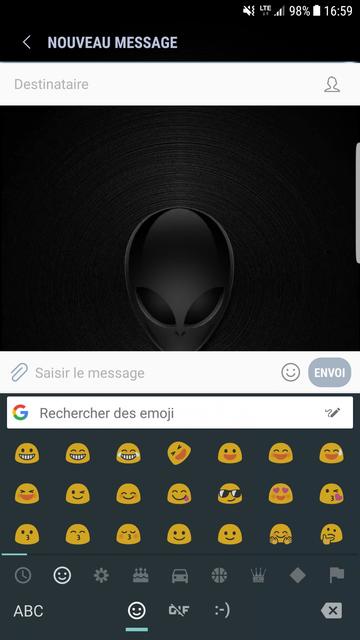
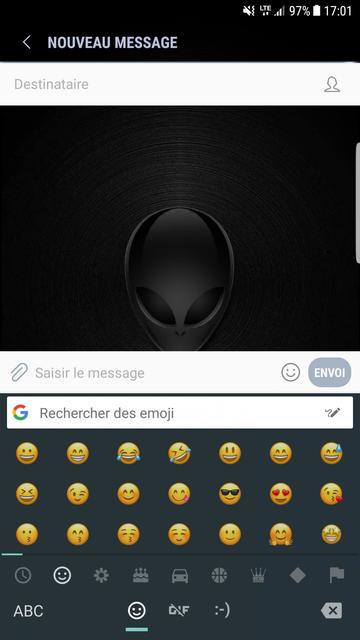
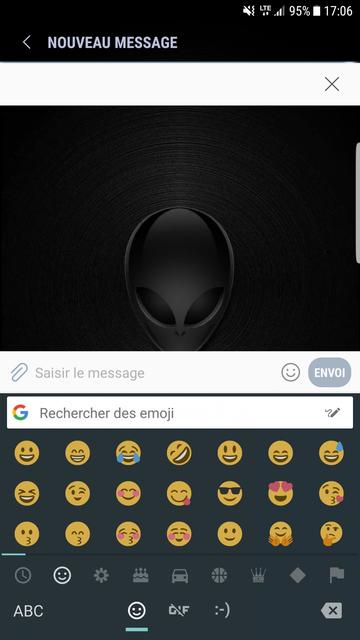
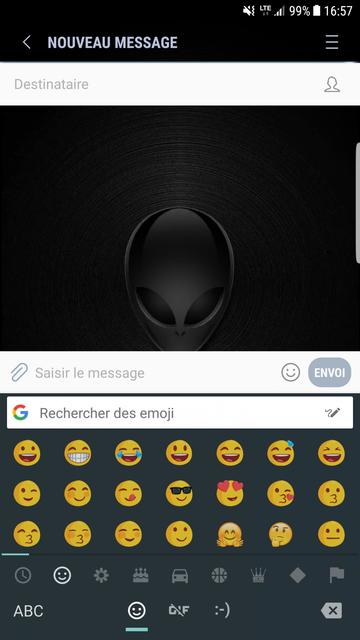
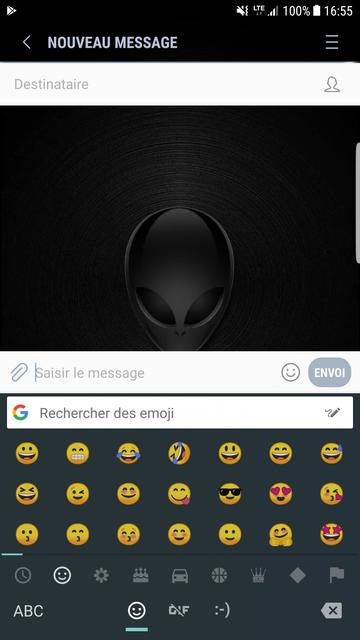
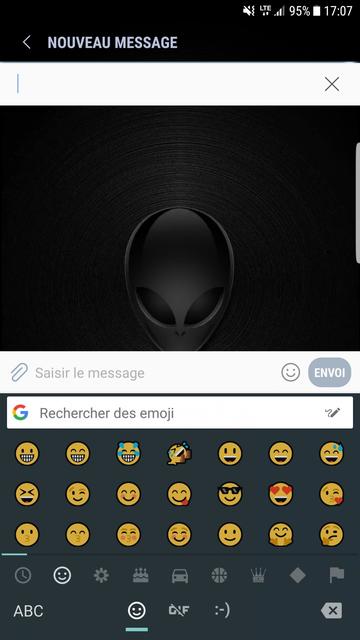
Downloads Android O, IOS, Windows Emojis
Windows_10_Emoji.Zip
Guide To Install Emojis On Your Android
- Firstly, transfer EMOJI.ZIPS to your external SD card or internal storage.
- Boot your phone into recovery mode. Pressing the buttons combinations according to your device.
- Now take a NanDroid backup, in case you want to revert back. Tap on backup and select partitions. System partition backup should be sufficient.
- After a backup tap on install in the recovery menu.
- Navigate to the ZIP files you stored earlier and select them.
- Swipe to flash the ZIPS.
Done, You have successfully installed the Emojis. If you like the post don’t forget to share it!! Also, If you have any problems you can contact us VIA FAcebook page or comment below.