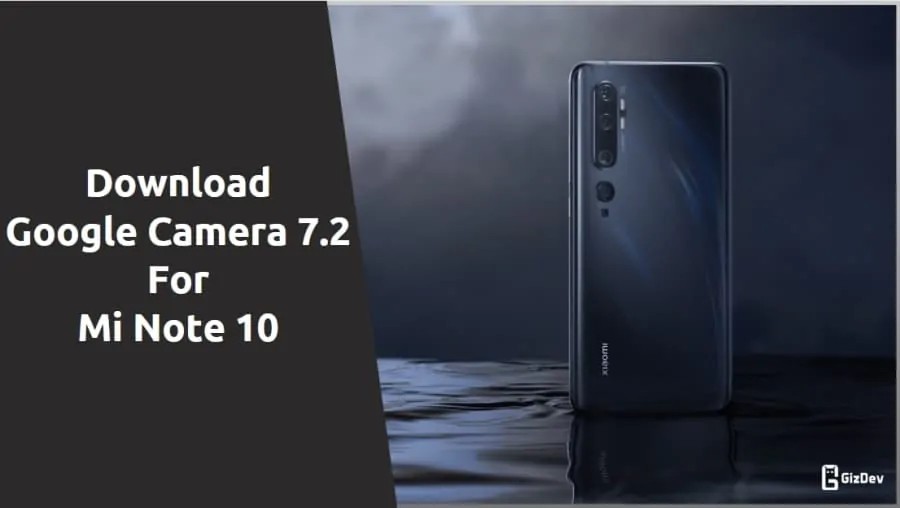
Today we share Gcam for Mi Note 10. Xiaomi launched its latest premium smartphone offering, which brings the best camera performance. Mi Note 10 is equipped with a 108-megapixel primary camera alongside other quad cameras. There are a total of five cameras that gives high-quality photos with better details and colors than other sensors. Furthermore, it is operated by Android 9.0 Pie with MIUI 11. Are you looking for a Google Camera app for Mi Note 10? After lots of research, we found Google Camera 8.4 for Mi Note 10.
The stock camera brings many new features with Nightscape. But the Xiaomi stock camera is not good and optimized to get the full potential of the camera quality. Gcam is the best 3rd party camera app for Mi Note 10. It takes a more detailed picture than the stock camera. The Google camera is the best camera app that offers Super Res Zoom and Top Shots with HDR+. Here we share the best working Google Camera 8.4 for Mi Note 10.
Google Camera For Mi Note 10
Gcam is a very much popular camera app for Android smartphones. Also, it has features like Night Sight mode, Super Res Zoom, Slow Motion, Playground (AR Stickers), RAW support, HDR+ mode, Panorama, Top Shot, Portrait mode (with Focus Slider), Google Lens Suggestions & few more. Already Mi Note 10 comes with Camera2 API and HAL3 sport so you can easily use GCam. Google camera picture quality is better than the stock camera in some places. It provides better low-light image quality and a more detailed picture. Just follow the guide and install GCAM for Mi Note 10.
Gcam For Mi Note 10
The camera is the highlight feature of this device. Xiaomi has used the 108-megapixel Samsung ISOCELL HMX Bright sensor that promises high-quality photos with better details and colors over other sensors. As far as the cameras are concerned, the Xiaomi Mi Note 10 on the rear packs a 108-megapixel primary camera with an f/1.69 aperture; a second 20-megapixel camera; a third 12-megapixel camera; a fourth 5-megapixel camera and a fifth 2-megapixel dedicated macro camera. The rear camera setup has autofocus. It sports a 32-megapixel camera on the front for selfies.
Download Google Camera for Mi Note 10
- GCAM 8.4 For Mi Note 10 – LMC8.4_R15.apk | LMC_8.4_V8_XML_for_Mi_Note_10_and_Pro.xml
- PXv4.1_GoogleCamera_7.2.014.apk
- Download Google Camera 6.2 for Realme X2 Pro
Install Mi Note 10 Google Camera
- Download The GCamera.apk file.
- Then Copy the downloaded file to your mobile or tablet in internal or external storage.
- Now enable Unknown Sources options from Settings > Security or Settings > Additional settings > Privacy.
- Install GCamera.apk Open the camera app on your device and Give all the permission.
- Now enjoy.
Recommended Settings:
Before using the Gcam application first need to change some settings to get the best image quality (For PXv4.1_GoogleCamera_7.2.014.apk)
- Enable HDR+ Enhanced Mode from the app settings.
- Change the saturation levels accordingly.
Now you can enjoy Google Camera on your Mi device. Share the most beautiful pictures taken by you in the comment section below.