Xiaomi’s most recent innovation (HyperOS 2.0) is an upgraded version of their custom Android skin that they have been using on their smartphones since its introduction into the Asian Market. The stock apps bundle of the Xiaomi HyperOS 2.0 comes with a number of apps ranging from the launcher to gallery, camera, calculator, clock, contacts and many more. All of the applications included in the bundle were developed to integrate with the sleek visual style of Xiaomi smartphones providing users a seamless and easy-to-use user experience. In this article, we have provided links to download the latest versions of all the stock apps for the HyperOS 2.0 from a variety of Xiaomi, Redmi, Poco and other android devices.
You will be able to download the complete HyperOS 2.0 stock apps bundle which includes the HyperOS launcher, file manager, gallery app, HyperOS camera app and others from the download area below. These apps can be used to develop a custom rom for Xiaomi, Redmi, Poco and other android devices. Users can also use these apps to test new features of HyperOS and to add them to their own device. Go to the download area to access the download link for HyperOS 2.0.
HyperOS 2.0 Features
The future of Xiaomi’s user experience will be greatly enhanced by HyperOS 2.0, which will also bring the all-important Xiaomi 14, to name but one. A collection of magical features, HyperOS 2.0 enhances the User Interface to completely new levels with improved performance and usability.
HyperOS 2.0, also has several AI-driven features which provide continuous monitoring and dynamic optimization of both battery life and overall system performance throughout the day. Therefore, you can expect to have long periods of use from your Xiaomi 14, as well as fast speeds and high efficiency – two of the most desirable aspects of using your Xiaomi 14. In essence, HyperOS 2.0 offers cutting edge features and a brand-new, and progressive way of thinking about how we interact with our devices, therefore making HyperOS 2.0 an experience changing way of interacting with your device. Experience for yourself, why Xiaomi stands above the rest of the pack.
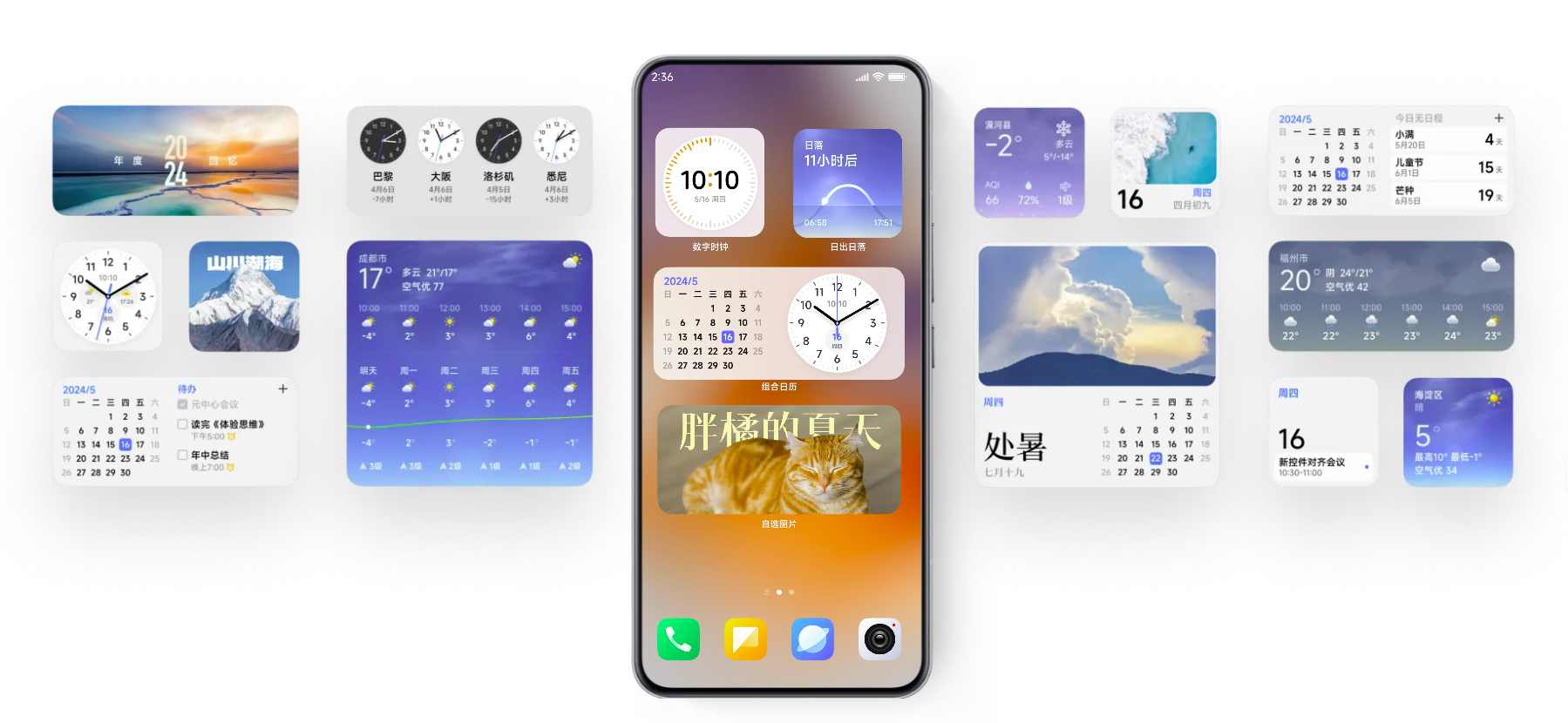
HyperOS 2.0 Stock Apps Download Links
In conclusion, HyperOS 2.0 provide Android users with an excellent alternative to the default operating system apps. The package includes a variety of apps with advanced features and a visually appealing design. It can be downloaded on most Android devices. With HyperOS 2.0, users can customize their devices to their liking and enjoy a seamless user experience.
In our old post we have published HyperOS 2.0 Wallpapers and Ringtones and fonts this time we will share stock apps from HyperOS 2.0. We have extracted All the HyperOS 2.0 Stock Apps, and System Apps From Xiaomi Device so you can download them for your Android device. Here are all the HyperOS App from the File Manager to Gallery App, Camera App, and more.
List Of HyperOS 2.0 Stock Apps
More Stock Apps – devdrive.cloud
How To Install Xiaomi HyperOS 2.0 Stock Apps Apk File.
- Download The HyperOS 2.0 app APK you want to install on Your device.
- Go To File Manager Download Foler and Install the Apk.
- Go to settings – find the installed Apps and grant all permissions.
- and Try it on your device.
Conclusion Xiaomi HyperOS:
In a nutshell, Xiaomi HyperOS 2.0 is all about an outstanding user experience in terms of seamless design combined with powerful features. The ability to download apps from different available Xiaomi devices adds personalization to it, thereby increasing the aesthetic value. By giving users a wide variety of stunning wallpapers to choose from, HyperOS gives them the means with which to express themselves and their style. Just imagine disheartening vistas, puzzling works of art, or energetic patterns on the home screen of your device, easily accessed through the Hyper OS interface.