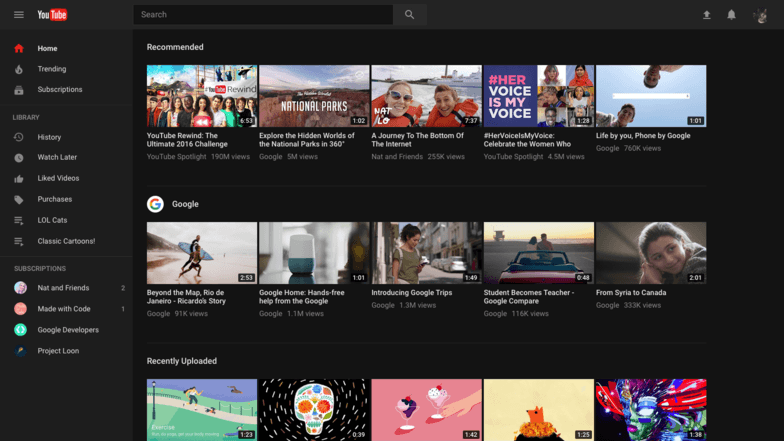
Youtube officially brings new features that go easy on your eyes. The youtube team will launch Dark Mode On YouTube. When you enabled it, youtube turns dark color (black) instead of regular white. Google is applying the Material Design seen on Youtube. YouTube now rolling out the design change to users by default who don’t need any tools or extensions. Many users want to enable dark mode on youtube for the strain on the eyes. This post will help them. The features will come after someday now youtube beta test of this mode. After someday officially launches youtube with a whole new design.
The advantage of Dark Mode:-
- Reducing strain on user’s eyes.
- Fully clean user interface.
- Dark Theme.
- Built on a new faster framework.
Guide to enable:-
- Open your PC web browser go to youtube.com/new.
- Here you look at all the new features of YouTube.
- Now click on ‘Try it Now to upgrade your YouTube user interface.
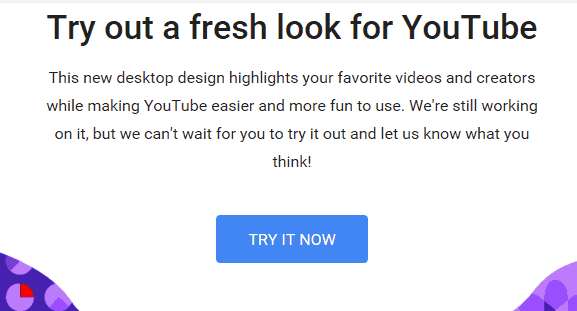
- Automatically redetect old youtube design to new youtube design.
- Then click on the Profile avatar at the top of the right side, you will see some new option.
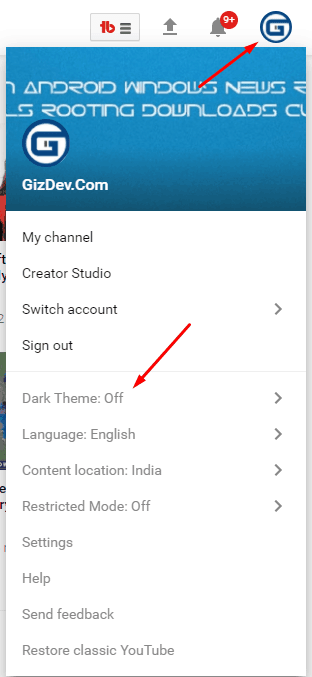
- Click on the Dark Theme option and turn it on.
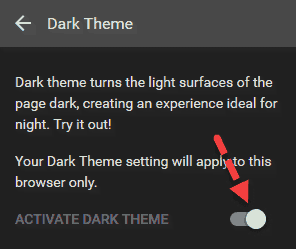
- Now enjoy a Dark theme (black) on YouTube for your current browser.
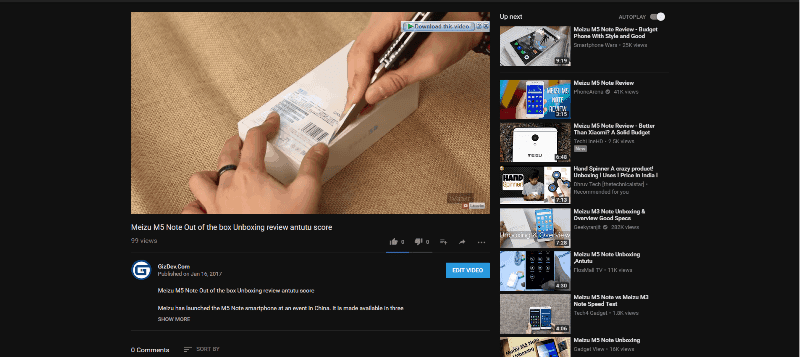
Note: – If you log in to your YouTube account on a different browser, then you have to enable the dark mode again.
You can also like: –
- Modded Soundcloud App Compatible With Viper4android
- Download Portable Browsers for Windows – Chrome, Firefox and Opera
- Download CyanogenMod Browser Gello Browser for other Android