We have already shared the Microsoft Surface Laptop and Surface Pro news and updates on our Telegram channel. You can now download the official Microsoft Surface and Surface Pro stock wallpapers in full resolution. We have extracted and zipped the wallpapers into a single archive for easy access. The wallpapers come from coverage of Microsoft’s latest Surface devices. These include the Snapdragon X2 powered Surface Laptop 8th Gen and the Surface Pro 2026. Both packs are combined here for desktop and laptop users.
Microsoft launched the Surface Laptop 8th Generation with the new Snapdragon X2 chipset. It comes in 13.8 inch and 15 inch sizes featuring color accurate LCD screens. The device offers up to 20 hours of battery life with four color options. You get Platinum, Black, Dune, and Jade with the Jade option limited to the 13.8 inch model. The Surface Pro 2026 also runs on Qualcomm’s Snapdragon X2 platform with Plus and Elite variants. It packs a 13 inch display with an optional OLED panel for better HDR and deeper blacks. The device supports up to 64GB of RAM and 1TB of storage and comes in Platinum, Black, and Dune finishes.
Microsoft Surface and Surface Pro Wallpapers
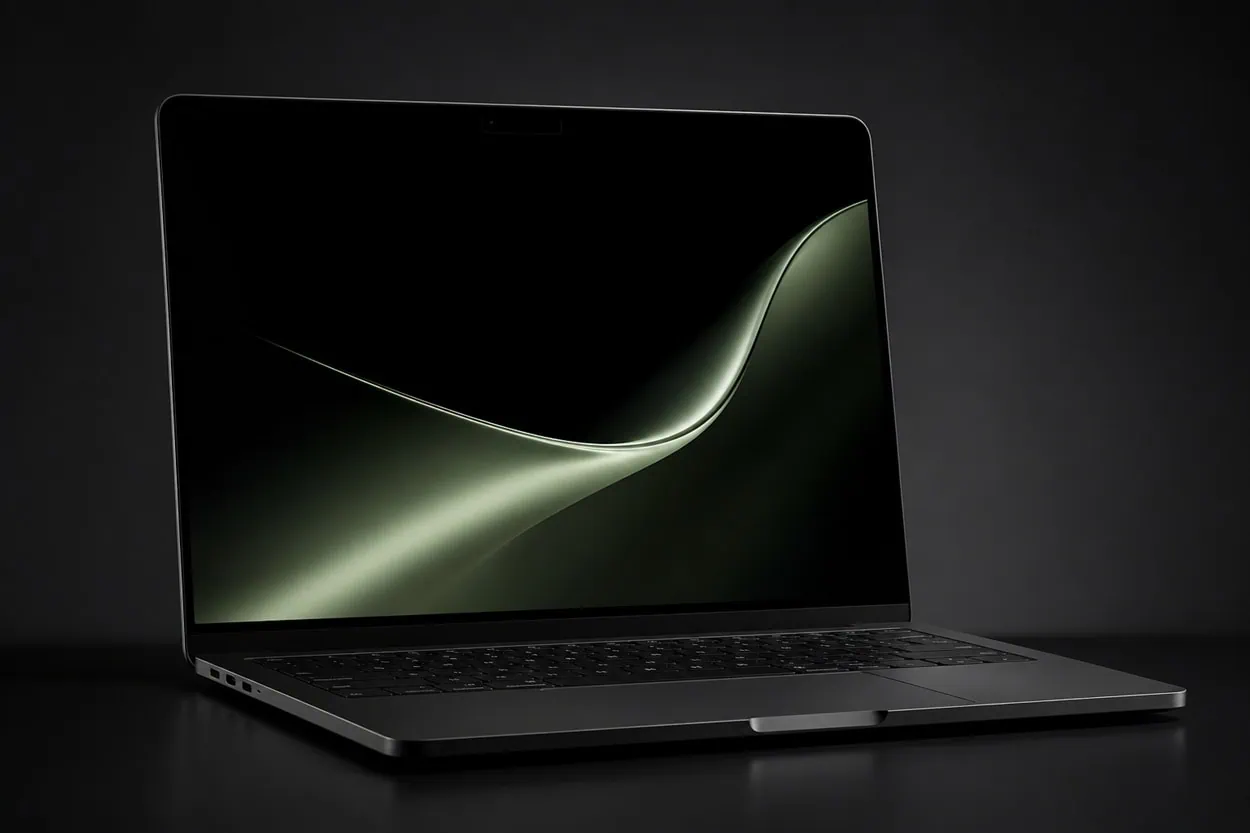
The Surface Laptop wallpapers feature one design per color variant and all four share a consistent abstract style. Each wallpaper matches its device color and looks clean on any display. The Surface Pro wallpapers use cool material fluid abstract designs that feel similar to the original Windows 11 Bloom palette. All three Surface Pro wallpapers follow the same design but shift colors to match the device finish. The Surface Laptop wallpapers come at 3270×2180 resolution while the Surface Pro wallpapers are at 2880×1920.
Microsoft Surface 2026 Wallpapers Preview
The Wallpapers are one in silver-gray, another in bronze-gold, a third in greenish hues, and the last again in silver-gray.
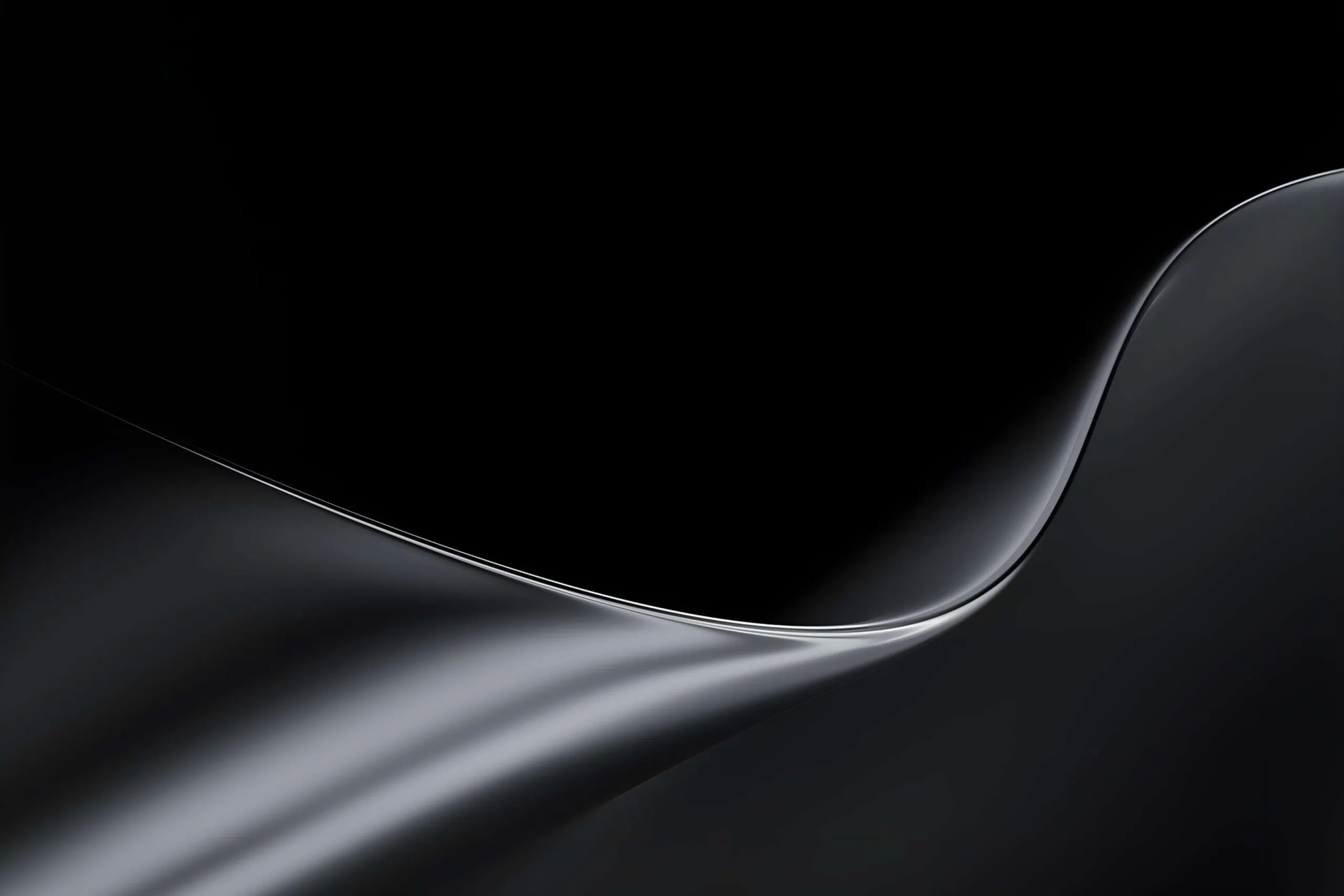


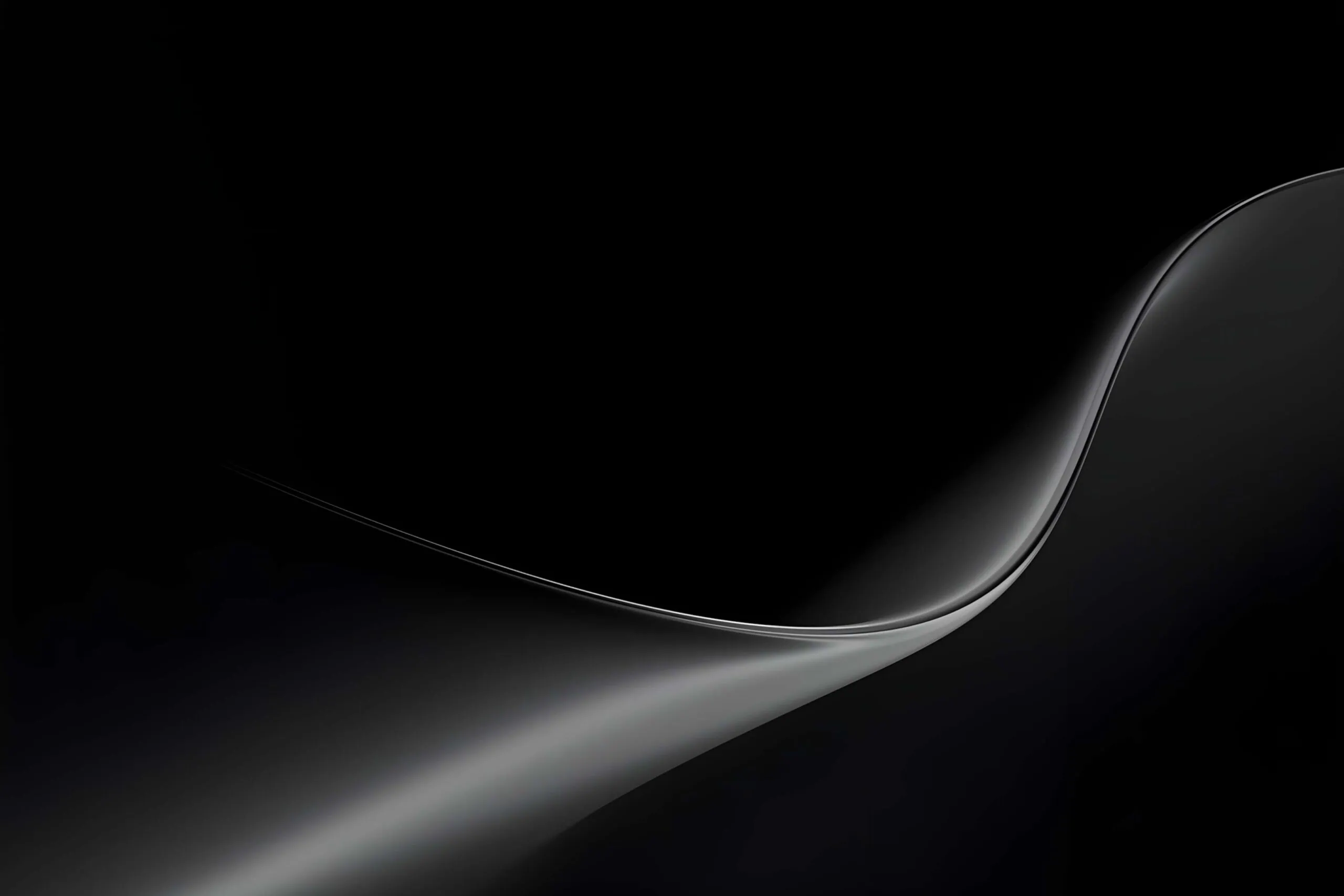
Microsoft Surface Pro Wallpapers Preview
The Wallpapers are warm copper/bronze tone, another in deep dark gray/black, and the third in a cool silver metallic.

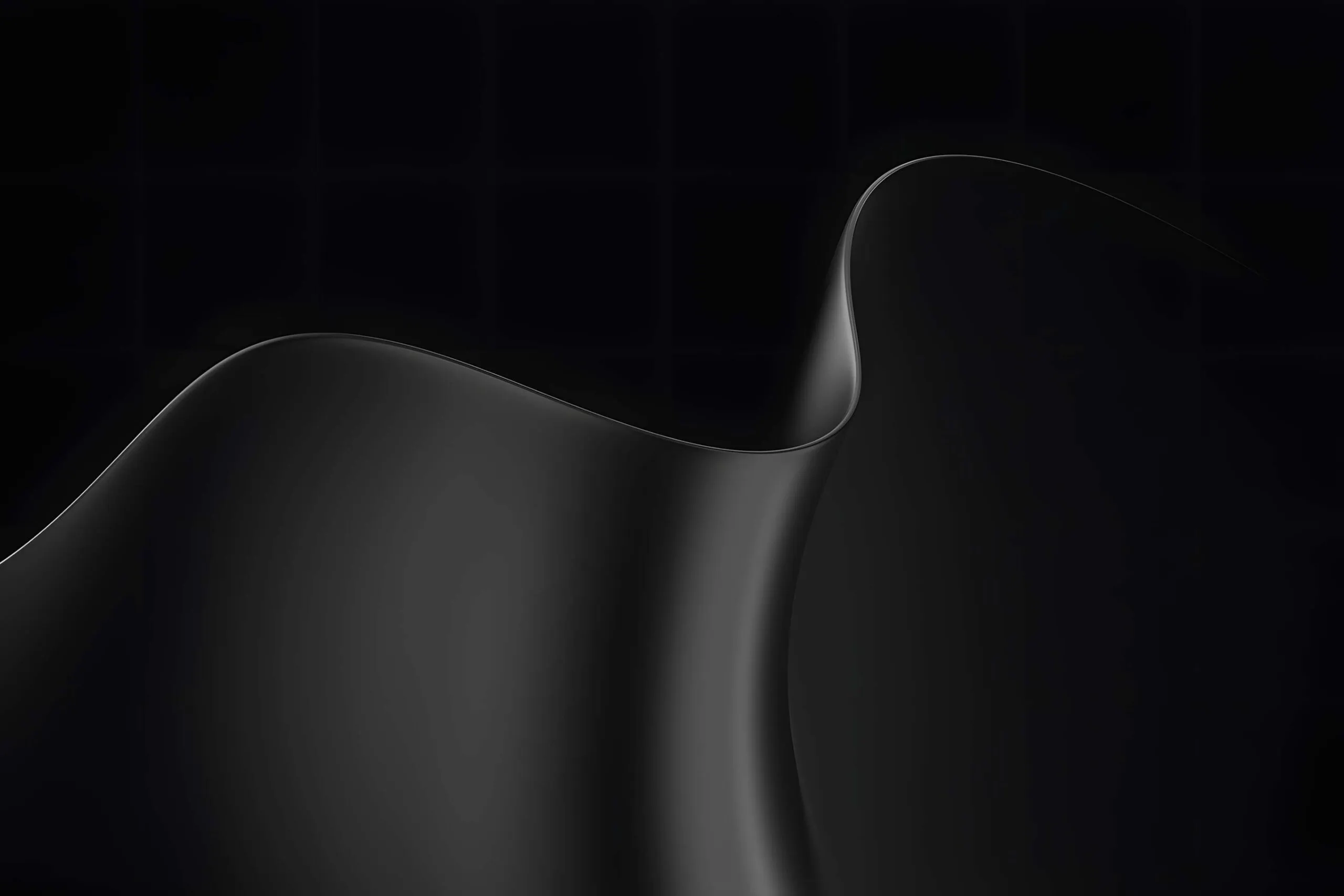
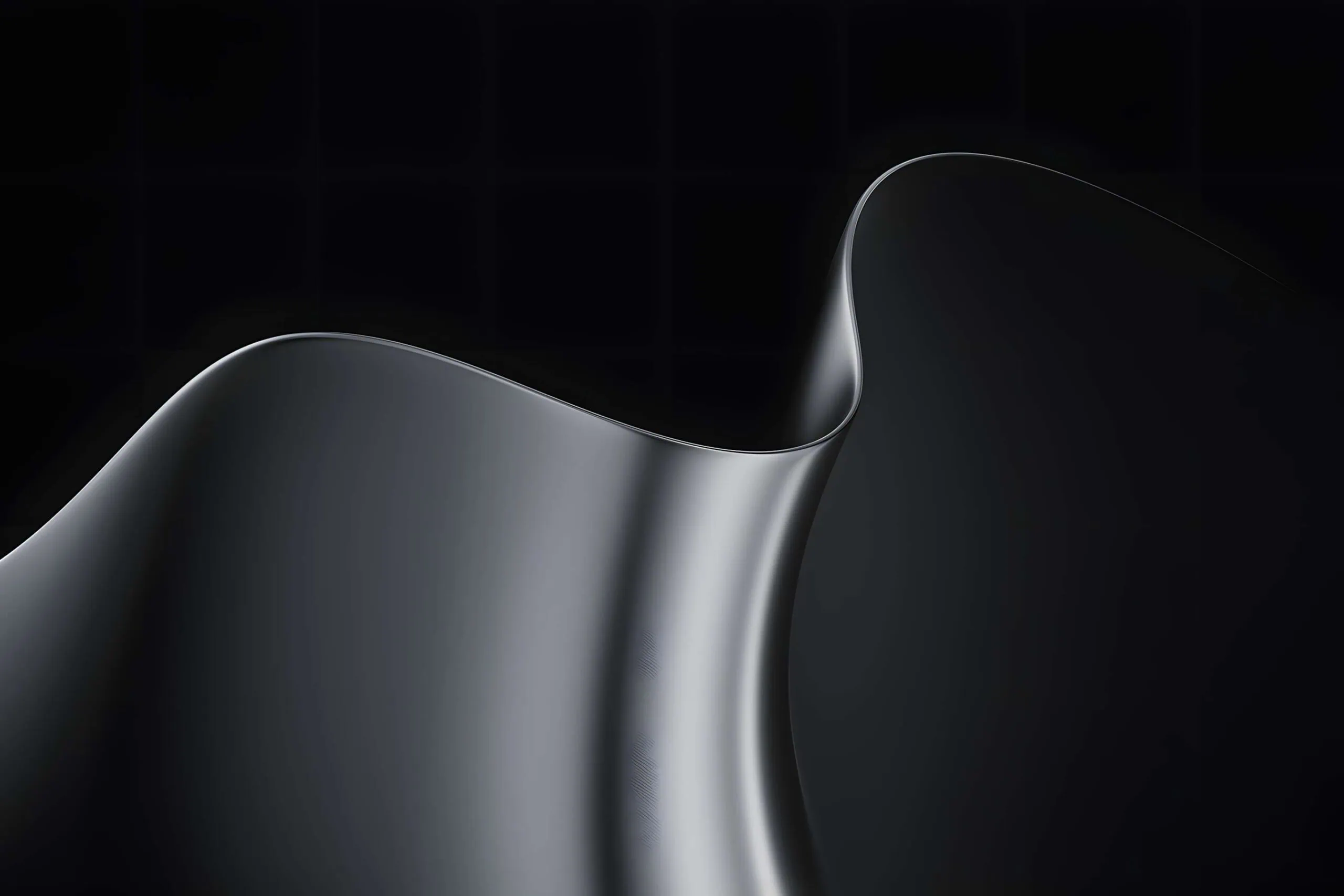
Note: the images listed above serve as a preview of the wallpapers and are only intended for representational purposes. It is important to note that the preview images are of lower quality, hence it is not recommended to download them directly. Instead, kindly utilize the designated download link provided in the section below for obtaining the wallpapers.Download Wallpapers in a ZIP File
Surface Laptop 8th Gen Wallpapers
File: Surface_Laptop_8th_Gen_Wallpapers.zip
Download: Dev Drive
Surface Pro 2026 Wallpapers
File: Surface_Pro_2026_Wallpapers.zip
Download: Dev Drive
How to Set These Wallpapers on Your Desktop and Laptop
On MAC:
- Download and extract the zip file Microsoft Surfac_Wallpapers to the location of your preference.
- Go into System Settings by using Apple Menu → System Settings.
- Navigate to the Wallpaper section from the left sidebar.
- Click on “Add Photo” or the “+” icon to locate your desired folder.
- Locate either your preferred light version of a Surface wallpaper or your preferred dark version of a Microsoft Surfac wallpaper.
- Choose your screen fit method — choose Fill Screen, Fit to Screen, or Stretch to fill Screen.
- If you have multiple monitors/dual monitors, perform these same steps separately on each individual monitor.
On Windows (11/10):
- Download and unzip the
Surfac.zipfile to a local folder - Right-click on an empty area of your Desktop
- Select Personalize from the context menu
- Click Background in the Personalization settings
- Set Personalize your background dropdown to Picture
- Click Browse photos and navigate to the extracted wallpaper folder
- Select your preferred wallpaper — light or dark variant — and it will apply instantly
- For best results, set the Choose a fit option to Fill or Fit to match your screen resolution