

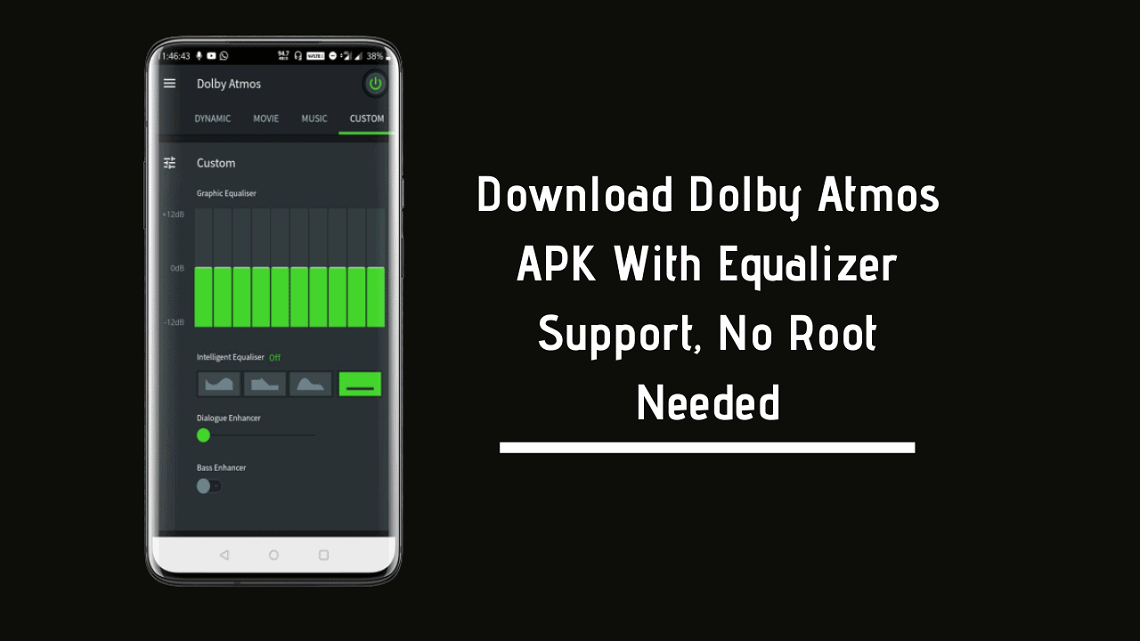
Android is the place where you can do anything with your phone. The best sound MOD available right now is Dolby Atmos APK. For many years Dolby Atmos has been popular among Android enthusiasts for the best Audio experience on any Android smartphone. It was generally accompanied by Viper4Android. I remember using the Dolby Atmos in my Coolpad Note 3. It was a budget device with no DAC of course. But with Dolby Atmos, the sound quality was much better. Now a stand-alone app is available, you can install Dolby Atmos APK for Android without root.
Dolby Atmos
The popularity of Dolby Atmos for Android is a lot. Nowadays, every manufacturer’s flagship ones are coming with Dolby support. Back then mostly Lenovo devices were coming with Dolby support. Now, Dolby support has become some kind of standard for the best audio quality. There’s no doubt about the capability of Dolby Atmos. With the various audio modes available, Dolby Atmos tuning was a feature.
Nowadays, on phones like the Razer Phone, the Dolby app comes pre-installed. Here comes the Android enthusiast. They have extracted the Dolby Atmos APK For Android and it works on lots of phones. OnePlus 7, 8-like devices that have similar configurations, the app is working well enough. There are various equalizer settings you can try in the Dolby Atmos APK. You can adjust every bit of the equalizer setting to get the right audio for yourself.
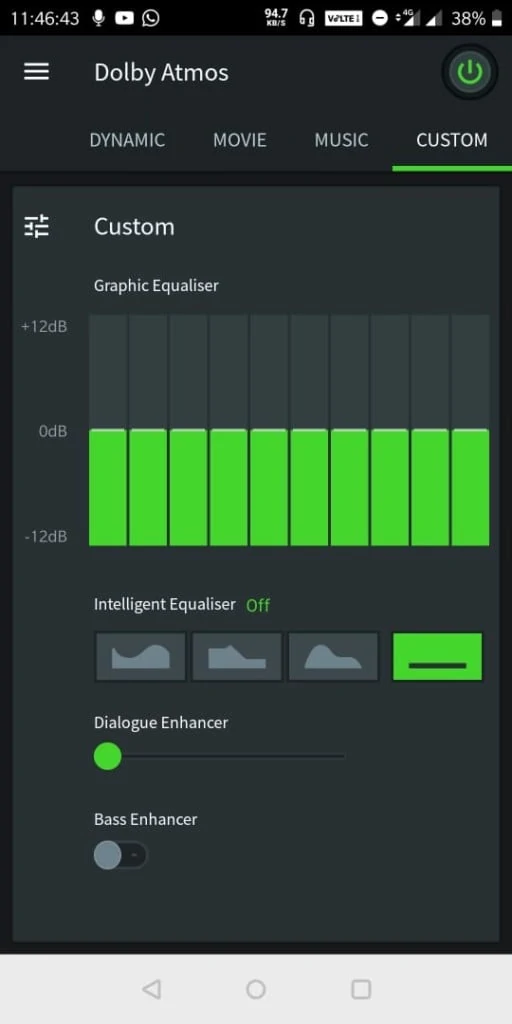
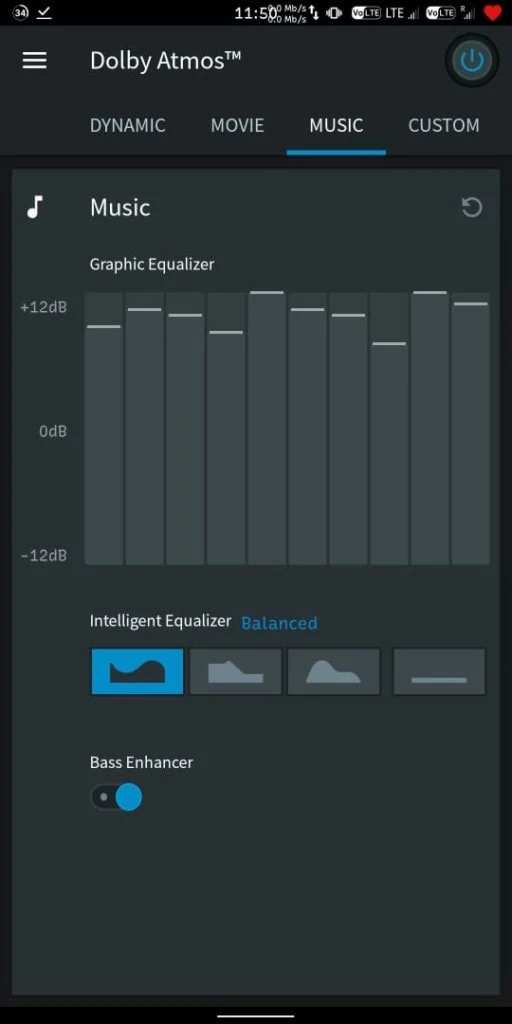
Most of the devices already have the Dolby Atmos APK installed. So you just need to change the audio effects from settings. For those phones where the app isn’t built-in, try this APK for Android without root. The best thing about this you don’t need any root access or any sideloading through ADB. Just install the APK and that’s it.
NOTE- CURRENTLY IT’S WORKING ONLY ON ONEPLUS DEVICES!!
Downloads Section
New Version – Dolby Atmos Module for Android 15 and Android 16
More Audio Mods – Enable aptX On Android For HD Bluetooth
Some notes
There are 2 versions available one is older and the other is the latest version. The older version V1 2.6 is working on most of the devices. So it is recommended to try the first one if V2 3.5 version doesn’t work on your device.
All the Credits go to Ashwin08 for these awesome APKs.
How To Install Dolby Atmos APK For Android
- Download the Dolby APK from the above downloads section.
- If you are installing the APK for the first time then enable unknown sources from security settings.
- Install the Dolby APK.
- Open the app and do your customization.
Done, if you like the post, don’t forget to share it. If you have any problems, then you can message us on our official Facebook page, GIZDEV. Also, comment on your query in the comment box below. Don’t forget to join our Telegram group for more wallpapers, Themes, and Ringtones updates.





I was install this app in vivo y50 but if i try to open its showing ” dolby atmos is experiencing crashes “. How can i fix that? Could u plzz say that !
It says explicit: NOTE- CURRENTLY IT’S WORKING ONLY ON ONEPLUS DEVICES!!
All though I tried to install both apps on my POCO X3 PRO but it didn’t work either. It crashes same as you.