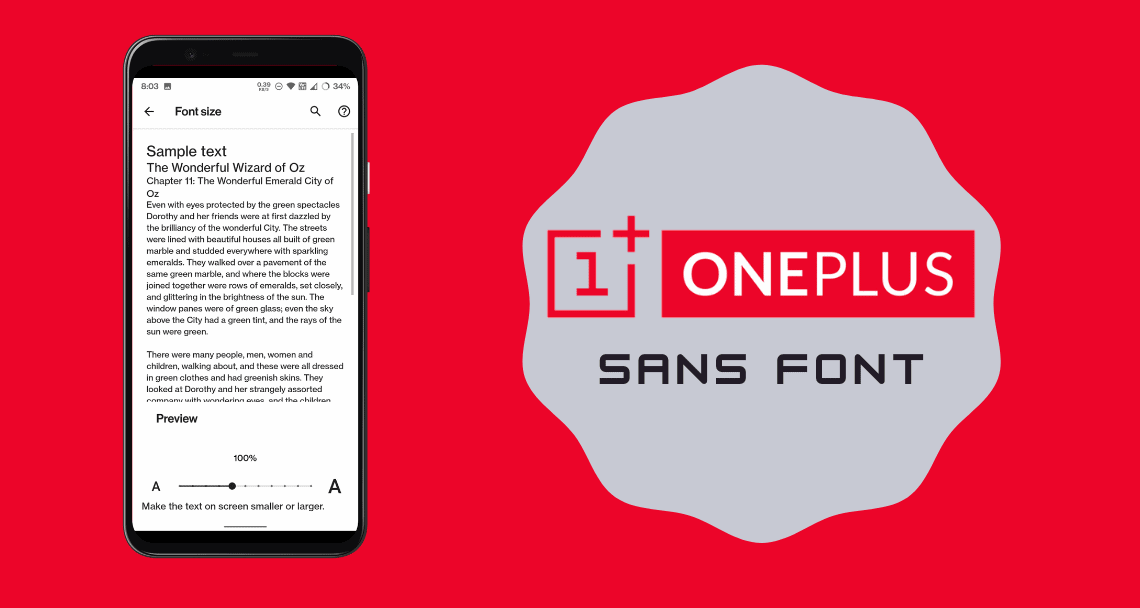
OnePlus recently launched the OxygenOS 11 update which comes with lots of new features and UI changes. The latest version of the Chinese OEM’s custom appearance offers multiple design language changes, including a brand new font called OnePlus Sans. If you like the font and want to install OnePlus Sans Font on your Android Devices, then this guide is for you.
The Android world is a whole lot of customization possibilities. The fonts are one of them, you can change the fonts easily on any Android smartphone. Some manufacturers provide an app, like the Themes app for changing fonts directly. So here we can install OnePlus Sans Font on Android devices easily. This font requires root access with Magisk installed. Though if you don’t have the root access you can search it on your themes app. It will get installed directly.
Key Notes
- OnePlus released the OxygenOS 11 update, featuring the new OnePlus Sans Font.
- To install OnePlus Sans Font on Android, root access with Magisk is required, but it can also be found in the themes app without root.
- The new OnePlus Sans Font offers a modern design, inspired by Helvetica, and is optimized for Android 11.
- Users can install OnePlus Sans by flashing a zip file through Magisk Manager and then applying it in display settings.
- For those without root access, searching for ‘Comic’ in the themes app allows for direct installation of the font.
OnePlus Sans is a font that was introduced on OnePlus devices in 2017 to provide the device with a fresh look. OnePlus Sans font is basically one of my favorite fonts. At first glance, this new font looks like Helvetica Neue. However, it is clear that it is inspired by the Helvetica font, but it has been optimized for the new Android 11.
OnePlus Sans Font
What is the difference between the Old and New OnePlus Sans? The new OnePlus Sans is more fashionable and gives another kind of energy. Thanks to XDA Senior Member Venky to port the new OnePlus Sans Font for any Android device. This is done through a Magisk module. You just need to flash the Comic Sans Font ZIP file in the Magisk. After rebooting the font will appear in the fonts section.
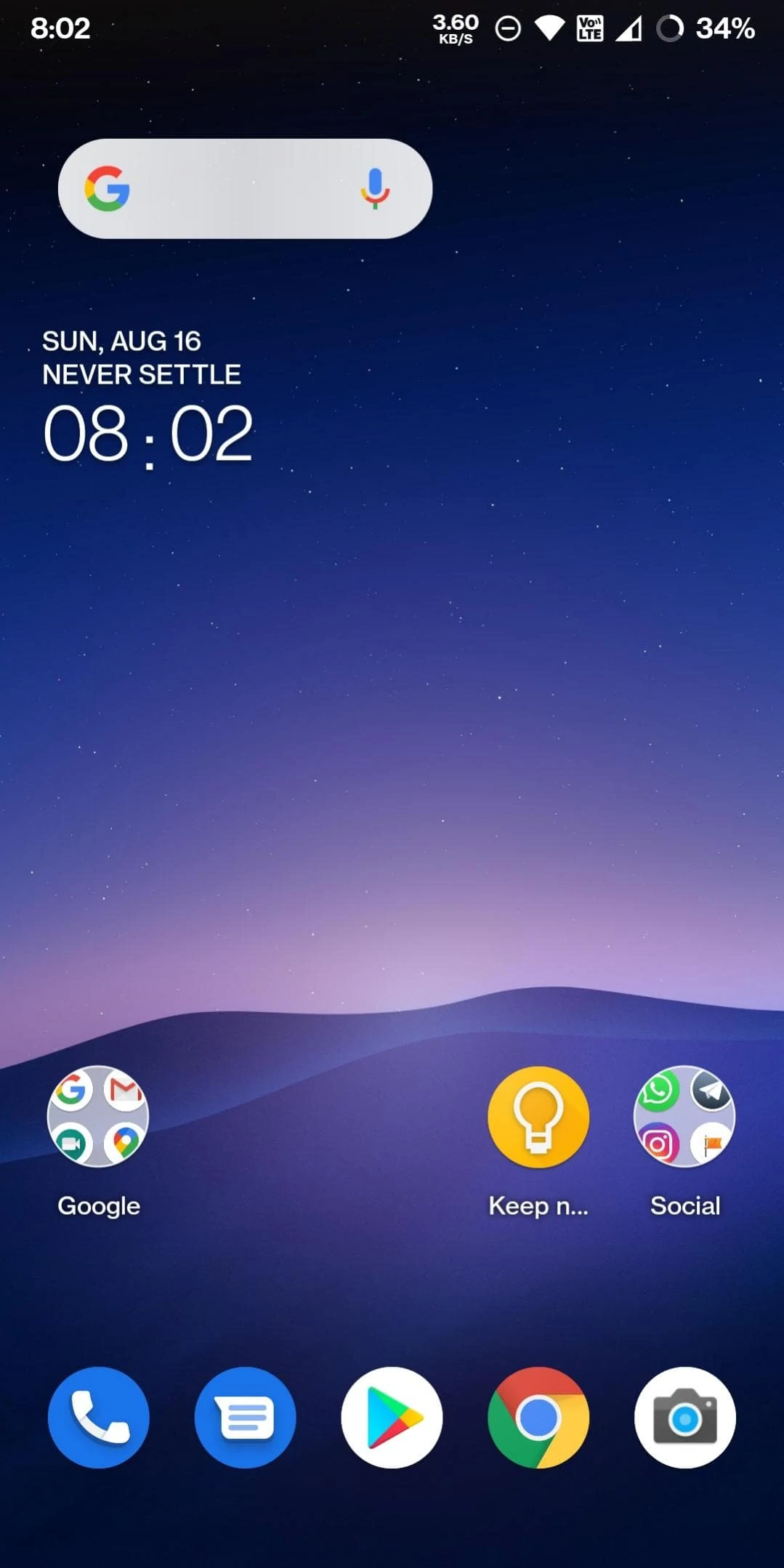
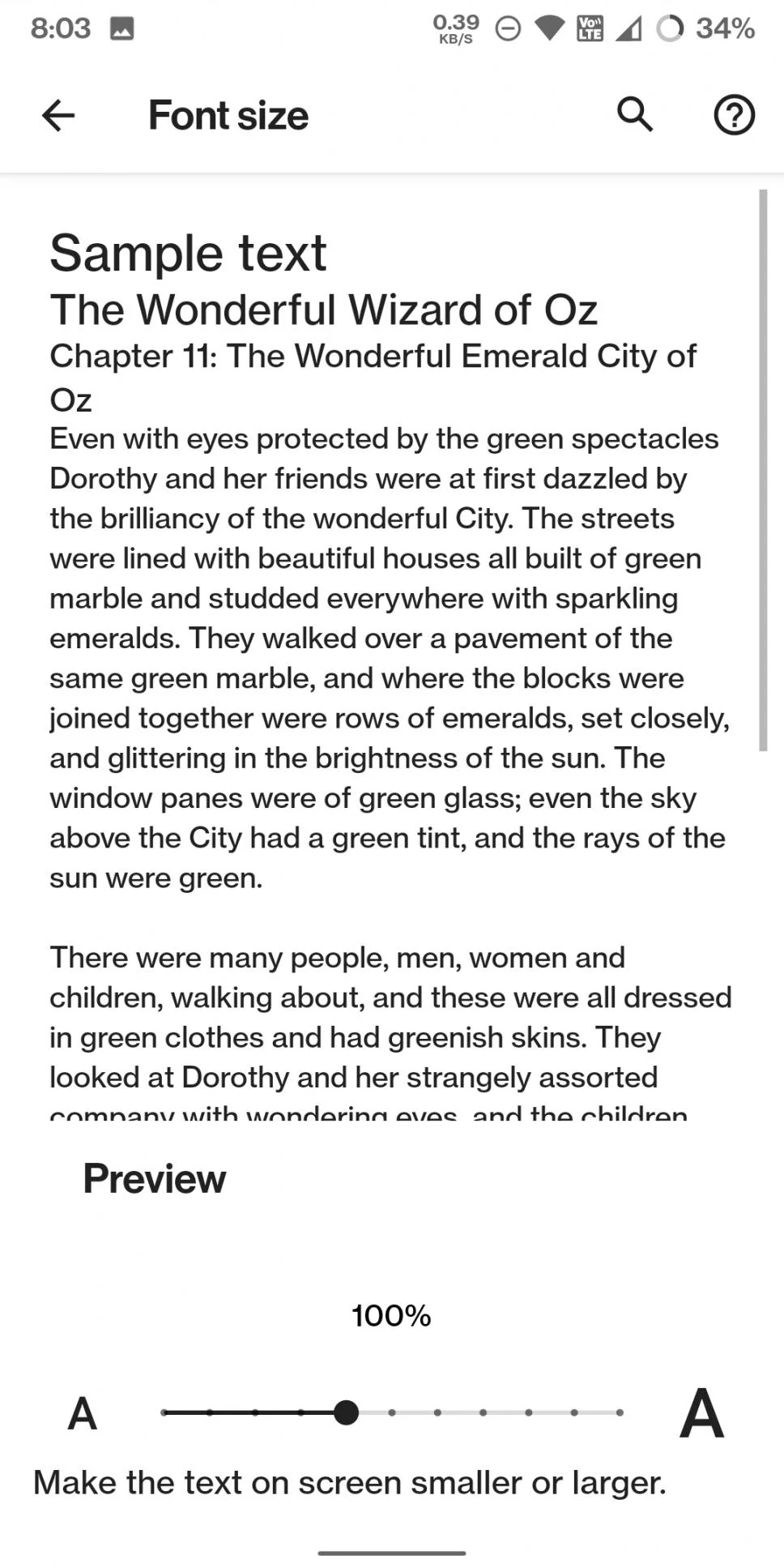
You can apply the font directly from the settings after flashing it. Those who don’t have root access can search the “Comic” name in their themes app. Like MIUI has the Themes App, Samsung has the same you can search the font there and apply it directly.
Downloads ‘OnePlus Sans Systemlessly’ Module
More Fonts – iOS 26 Fonts | Huawei Font | Ubuntu Font | Google Sans font | Samsung Fonts APK
How To Install
- Download the font from the above downloads section.
- Open the Magisk Manager on your phone.
- Go to the Modules section.
- Tap on the “+” sign.
- Now navigate to the OnePlus Sans font Magisk module zip file you downloaded earlier.
- The flashing will start. Once it’s done, reboot the smartphone.
- Now apply the font from the phone’s display settings.
If you like OnePlus Sans Font, please share it with other communities and forums. Don’t forget to join our telegram group for more Android stuff, wallpapers, Themes, and Ringtones Update – https://getdev.me/telegramdev