

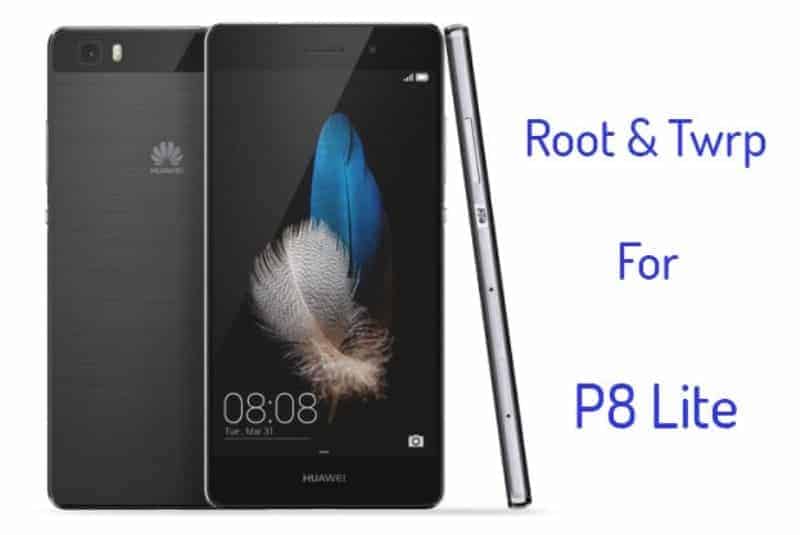
Huawei yearly ascends p series phone always will come something different this year p8 come with lollipop Huawei emui 3.1 new technology knuckle touch, there 2 different phone Huawei p8 and p8 lite p8 lite budget price phone, so here go for Huawei P8 Lite Root twrp guide. Why root – root will allow admin permission to customize your phone, twrp for installing rom zip files script, so let’s start
Preparation
- First Unlock The Bootloader From Here
- Here Guide To Unlock Bootloader
- Backup Your Data Apps Contacts Phone Memory Files
- Install Hi Suite For Adb Driver From Here
- Enable USB Debugging
Settings > About Phone > Build number > Tap it 7 times to become developer
Settings > Developer Options > USB Debugging
- Download The Required Tool And Files
- Read The Instruction
⇓⇓Download Twrp Tool Super Su Zip⇓⇓
TWRP Flasher:- Recovery+Flasher+-+P8+lite.zip
Root Android 5.0:- SuperSU.zip
Root Android 6.0:- 1.zip / 2.zip
Instruction For TWRP
- Download Twrp Flasher zip and unzip it.
- Run “çá»p߬.bat“.
- Select 1 to 5 which version twrp you want to install
- reboot.
Instruction For Huawei P8 Lite Root
For Android 5.0
Download “SuperSU.zip” and flash with twrp.
For Android 6.0
1.zip and 2.zip and flash with twrp.
If You Bought Chinese Version P8 Lite Then Install Gapps From Here
Just Comment Here If Facing Any Problem?
Like Gizdev For More Updates https://www.facebook.com/HuaweiDev






it says “waiting for device” :O
First Install Huawei Hisuite Or Adb Driver The Switch Off THE Phone
Hole Volume Down + Power Phone Will Show Fastboot Mode Then Insert The Usb Cable
it’s worked 🙂 how can i install the xposed ?
Does this root work on Huawei G8 too? EMUI 3.1, Android Version 5.1 Lollipop.
you can try firs get the stock recovery from firmware then try this
Or if you have a separate guide for rooting Huawei G8 or if you could make one and provide me the link, then I would really appreciate it!
p8LITE no Suport USB OTG….HELPPPP
I’m stuck at the “Select Install Zip” in the Rooting section.
The phone is plugged into the computer, and is displaying the “FASTBOOT&RECOVERY MODE” screen, but no option to “Select install Zip”.
What should I do to proceed?
Thank you.
—
Edit: Found it. This step must be done with the phone unplugged. You’ll then see the “Team Win Recovery Project” interface, and be able to proceed installing the SU ZIP file. FWIW, wiping the cache takes several minutes.
please I need an officiel ROM for p8 lite ale-21 not an upgrade to download it with team win recovery
THANKS
hey i have a question, does this rooting process works with an huawei g elite? please respond
no only for this phone
i made research, its the sam phone but just with a diferent name, its an ALE-L23
i am stuck at the comand step, its shows this
target reported max download size of 471859200 byte
error: cannot load ‘recovery.img’: No error
Hi, I have done all what is in list but now my phone doesn’t want to start , whats the problem?