

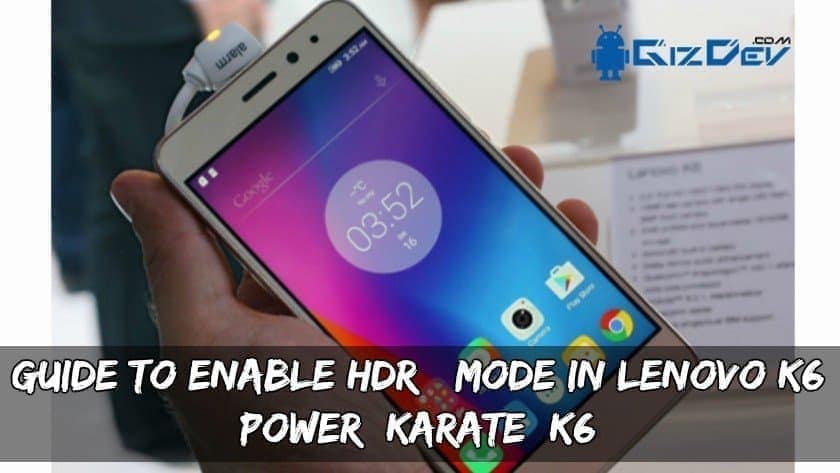
Guide To Enable HDR+ Mode In Lenovo K6 Power/ Karate/ K6
GIZDEV Recommendations:
- Guide To Install 3.1.1 TWRP Recovery For K6 Power (Karate)
- Guide To Root Galaxy Note 7 Qualcomm Series N930T, N930P Etc
- Install TWRP Recovery And Root Galaxy Note 8 Exynos
- [Stock Walls] Download Stock Samsung Galaxy Note 7 Wallpapers
- Guide To Install TWRP Recovery And Root Galaxy S8 Plus SM-G955U
- Download Google Camera For Lenovo K6 To Get Portrait, HDR+
This camera mod will enable the HDR+ capturing option in your Lenovo K6 Power smartphone. The pictures will be more detailed view and will be good looking. It is supported on Google Camera app which is available freely on Play Store. So if you are a Lenovo K6 user then you must try this Camera MOD.
Requirements/:
- Rooted Lenovo K6 Power/ Karate/ K6.
- Custom ROM must be installed.
- X-Plore File manager (Download from play store)
- Google Camera (Download from below link)
⇓⇓ Downloads Section ⇓⇓
Lenovo_K6Power_HDRPlus_Modified.apk
Recommended For You:
- Guide To Install TWRP Recovery And Root Doogee X5 Max Pro
- Root Honor 8 lite EMUI 5.0 and Install TWRP Recovery
- Working Method To Root Xiaomi Mi A1 with CF-Auto-Root
- Guide To Install TWRP Recovery and Root Coolpad Note 5
- Install TWRP Recovery And Root LG Aristo Metro PCS/T-Mobile
Guide To Enable HDR+ Mode:
Download the X-Plore file manager and install it.
Give the root permissions and Go to system/build.prop. Open it as a text file.
Now edit the following line, persist.camera.HAL3.enabled=0 like following.
persist.camera.HAL3.enabled=1
Save the file and then reboot your phone for changes to take effect.
Now download the Google Camera from the link provided in the downloads section.
The HDR+ will now be enabled on your Google Camera.
Done, Now enjoy capturing your photos with HDR+ mode. If you like the post don’t forget to share it!! Also if you have any problems you can message on our official Facebook Page.






What is solution if get stopped